

Why Did You Get Banned Even After Using a Proxy?
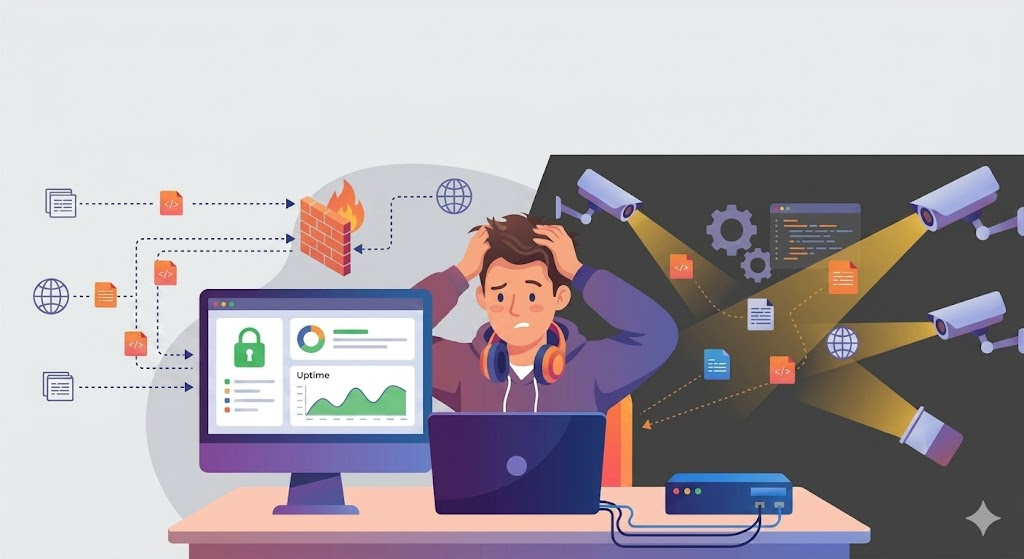
You carefully set up your proxy. Created a new email address. Used different devices. Yet your account was still banned within 24 hours.
Why? A Proxy only hides your IP address — but your browser fingerprint doesn't.
Every time you open Chrome or Firefox, the browser sends dozens of identification signals to the server: canvas fingerprint, WebGL renderer, timezone, system language, installed fonts, screen resolution, mouse movement... All of these things create a nearly unique "digital fingerprint" for each computer.
When you run 5 accounts from the same machine — even with different IP addresses — the system detects it immediately because the fingerprints are identical. This is why antidetect browsers were created.
What is Antidetect Browser and How Does It Work?
Antidetect browsers are specialized browsers that allow you to create multiple independent "profiles," each with its own unique fingerprint. Using servers like Facebook, Google, or Amazon, each profile appears to be a different user, using a different computer, and located in a different place.
Unlike a regular browser, an antidetect browser allows you to control and customize:
• Canvas & WebGL fingerprint — how your GPU renders graphics
• User-Agent — the browser and operating system you "pretend" to be using
• Timezone & language — must match the proxy you are using
• WebRTC — prevents real IP leak
• Font list — a list of fonts installed on your computer
• Screen resolution & color depth — screen settings
When all of these things are set up consistently and logically, each profile looks like a real user, indistinguishable from normal traffic.
5 Most Important Criteria When Choosing an Antidetect Browser
The antidetect browser market currently offers dozens of tools, ranging from free to those costing several hundred dollars per month. These are the things that truly matter, not what vendor marketing says.
1. Fingerprint Engine Quality
This is the number one criterion, but also the most difficult to evaluate. A good fingerprint must:
• Be internally consistent — timezone, language, IP proxy must be in the same region; font list must match the declared OS
• Not be detected — by checking tools like BrowserLeaks, Pixelscan, Creepjs
• Be regularly updated — Facebook and Google's detection algorithms are constantly changing
Quick test method: Create a new profile, point it to a clean proxy, then go to pixelscan.net. If you see "suspicious" — change tools.
2. Number of Profiles and Pricing
Most antidetect browsers charge per profile. This is where many people get "trapped" when they first start:
• GoLogin: from $24/month for 100 profiles
• AdsPower: from $9/month but with limited features
• Multilogin: from $99/month — the most expensive in the segment
• Hidemium: a truly usable free plan, allowing unlimited profile creation on paid plans
If you're a beginner and unsure of your workflow, choose a tool with a truly free plan — not a 3-day trial followed by payment.
3. System Speed and Resources
Each profile in the antidetect browser runs as a separate browser instance. If you open 20-30 profiles simultaneously, RAM usage will become a significant bottleneck. Some tools are better at optimizing resources. When testing, try opening 10 profiles at the same time and observe RAM usage.
4. Proxy Integration
Antidetect browsers cannot function effectively without good proxies. A good tool needs:
• Support for HTTP, HTTPS, and SOCKS5
• Per-profile proxy assignment — avoid using the same proxy for multiple profiles
• Easy proxy list import
• Clear proxy status display (ping, connection, location)
5. Team Collaboration and Automation
If you work in a team or want to scale to automation:
• Role-based permissions — members only see the profile assigned to them
• Cookie import/export — transfer sessions between profiles
• API support — connect with automation tools (Playwright, Puppeteer)
• Cloud sync — profiles are saved in the cloud for use on multiple machines
Common Mistakes That Cause Accounts to Remain Banned Even After Using Antidetect Browser
Having a good antidetect browser is necessary, but not enough. These are the most common mistakes I see:
- Error 1: Timezone proxy and browser timezone don't match. You're using a US proxy but the default timezone profile is Asia/Ho Chi Minh. This is a clear red flag. Always synchronize the timezone with your proxy location.
- Error 2: Using free proxies or datacenter proxies for important accounts. Datacenter proxies are easier to detect than residential proxies. For high-value accounts, investing in a residential proxy is worthwhile.
- Error 3: Unusual behavior immediately after account creation. Even with a perfect fingerprint, if a newly created account immediately runs ads or adds friends in bulk, it will still get flagged. You need to warm up your account for at least 3-7 days.
- Error 4: Copying and pasting the same content between accounts. A good fingerprint is fine, but duplicate content will still be detected through content analysis.
Hidemium — An Option for Those Who Want to Get Started Without Spending Money
If you're in the workflow testing phase or just starting with multi-accounts, Hidemium is a worthwhile option for one simple reason: the free plan is genuinely usable, not a trial trap.
With Hidemium you can:
• Create and manage profiles with independent fingerprints
• Assign a separate proxy to each profile
• Import/export cookies
• Vietnamese interface — no need for Google Translate every time you use it
• Vietnamese language support if needed
Choose the Right Tool for Your Stage
There is no "best" antidetect browser for everyone. There is a best tool for your stage:
• Beginners, unsure workflow: Use Hidemium's free plan to test
• Medium scale (5-50 profiles): Compare Hidemium, GoLogin, and AdsPower based on specific use cases
• Enterprise, need a team + API: Multilogin or more advanced solutions
Most importantly: regardless of the tool used, consistent fingerprinting + clean proxies + natural behavior is the real formula for avoiding long-term bans.
Related Blogs

What Are AI Agents for HR and How to Integrate Them Into an Existing BusinessAnyone who’s worked in HR knows the routine: piles of resumes, endless follow-ups, and calendars packed with interviews that get delayed, cancelled, and end up ruining your schedule daily. The new wave of AI agents for HR and recruiting is quietly changing that.These systems don’t hire or fire on their own. They handle[…]
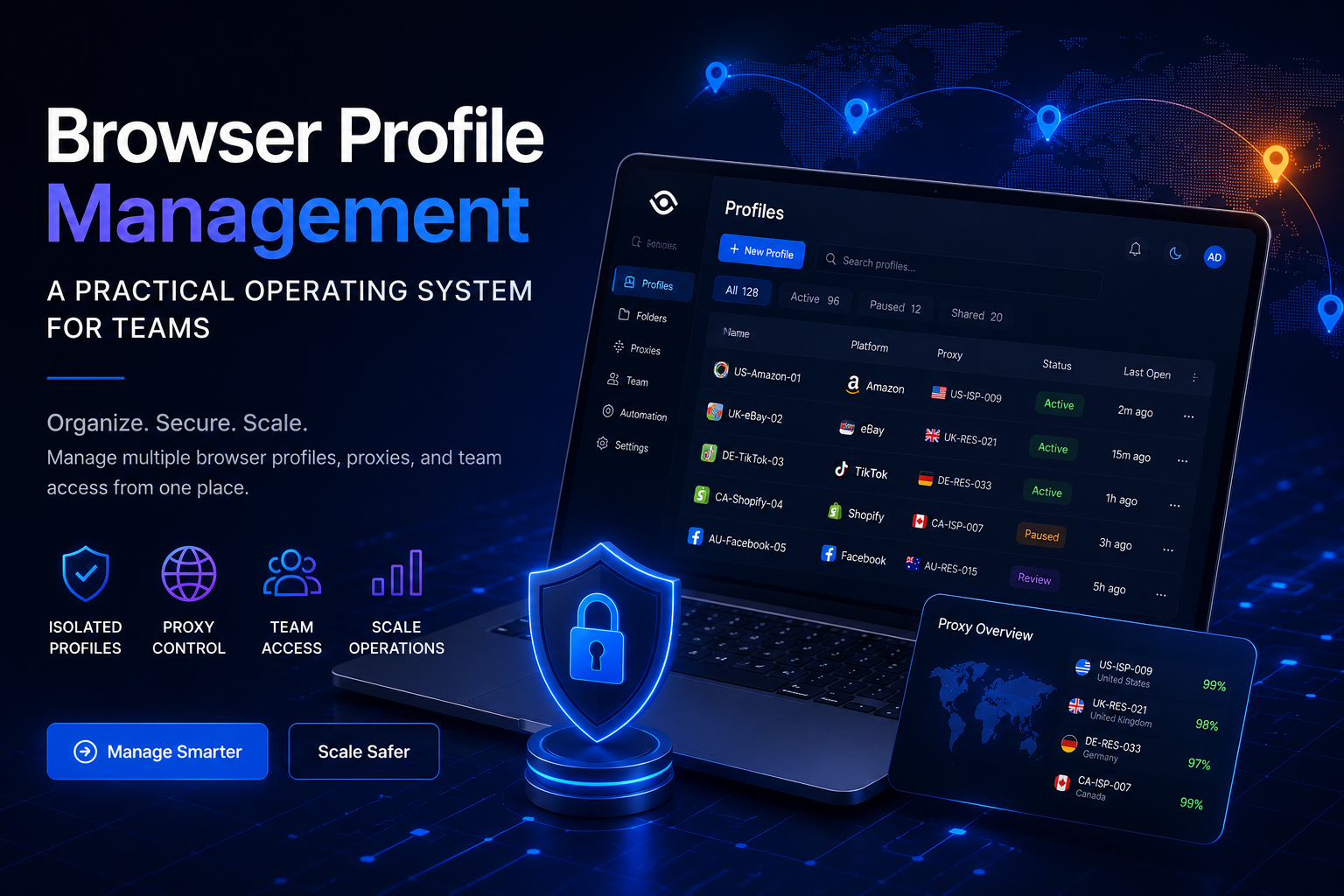
Browser Profile Management: A Practical Operating System for TeamsBrowser profile management is often misunderstood as the simple process of creating multiple browser profiles and assigning a different proxy to each one.That approach may work for an individual managing a small number of accounts. However, it becomes difficult to maintain when a team is responsible for dozens or hundreds of[…]

How to Create Gmail Accounts in Bulk Without Checkpoint 2025 — Step-by-Step Guide⚠️ Note: Managing multiple accounts must comply with each platform's Terms of Service. Hidemium supports managing multiple legitimate profiles for marketing, affiliate, and professional business purposes.In the digital age, owning multiple Gmail accounts is not only a personal need but also a vital factor for[…]

Public Wi-Fi connections are becoming an indispensable part of modern life, especially when you travel, work remotely or entertain yourself at cafes, airports or shopping malls. However, using public Wi-Fi poses many security and privacy risks. In this article, Hidemium will share 5 simple but effective tips to help you stay safer when connecting to public Wi-Fi, avoiding data theft or personal[…]
Facebook can i see who viewed my profileUnderstanding Who Views Your Facebook Profile: Facts vs MythsIf you have ever posted a new profile picture, shared an exciting life update, or simply wondered if an old flame is checking up on you, you have likely asked yourself the ultimate social media question. We all want to know who is looking at our digital footprint. The curiosity surrounding[…]

In the digital age, increasing YouTube comments has become an essential platform for sharing content and engaging with your audience. Comment count is not only a measure of viewer engagement but also an important factor in improving your video’s ranking on the platform. Here are 5 effective ways to increase comments on your YouTube videos.1. Ask smart questions to encourage viewers to commentWhen[…]
