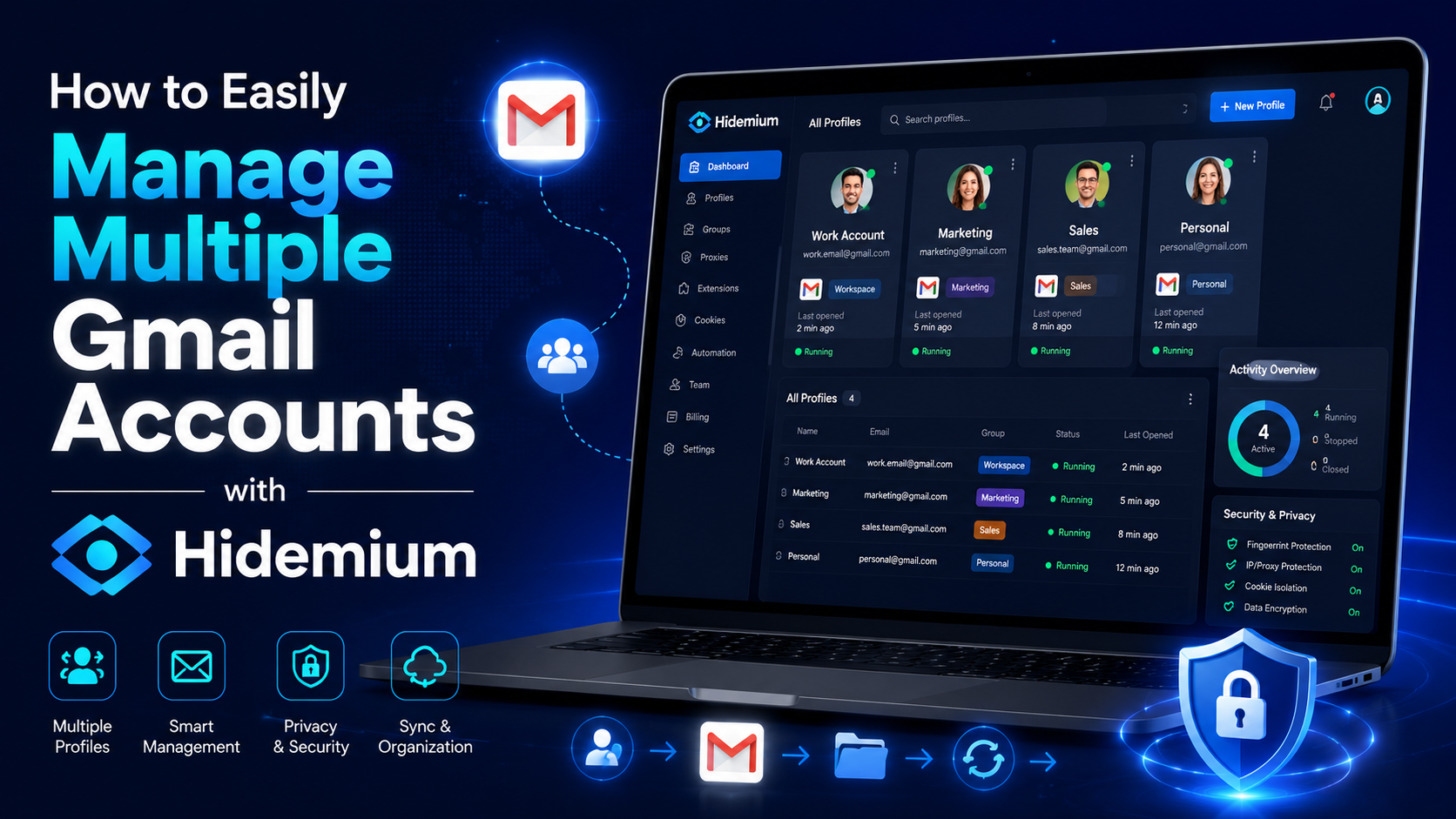

Gmail is a free email client provided by Google. On average, each person will have at least 1 Gmail account to serve work or log in to necessary social networking platforms such as Facebook, TikTok, Instagram, etc. However, Gmail accounts are easy to manage if you only use one account. But what if you own multiple Gmail accounts at the same time? If you still don’t know how to handle this ironic situation, follow the article to learn how to manage multiple Gmail accounts simultaneously!
How can I manage multiple Gmail accounts at the same time
Open Gmail with different browsers
It is probably the most common way to manage multiple email accounts that most people know. You can open multiple browsers simultaneously, such as Chrome, Coc Coc, Microsoft Edge, etc., so you can log in to many different accounts simultaneously.
Another small tip is to use the incognito tab to log in. It would help if you pressed Shift+Ctrl+N to open an anonymous account. However, when using the incognito tab, your password will not be saved, and each time you will have to log in from the beginning.
Use the Google Multiple Sign-In feature
Gmail manages multiple accounts with the Google Multiple Sign-In feature
Google’s Google Multiple Sign-In feature allows you to sign in to multiple accounts on the same browser. You can log in to your primary Gmail account. Then, click on the icon in the right corner of the screen to choose another account. Finally, you need to open a new tab and log in to your different accounts one by one. It can be said that using the Google Multiple Sign-In feature is one of the best ways to manage multiple email accounts at the same time.
This feature has been around for quite some time. However, it is one of the most convenient and easy methods to implement because it does not take too much of your time. You should consider this feature if you simply manage a handful of Gmail for studying and working.
Manage Gmail with Google Chrome’s Account Switcher
This method is also relatively effective if you want to manage multiple Gmail accounts simultaneously. Follow these steps to start managing your accounts:
- Open google chrome
- Then click on the icon in the right corner of the screen
- Next, click add
- Select sign in
- Next, sign in to your Google account
After successful login, chrome will open a new window and separate browser session. Remember to select sync mode for your google account so you can back up and access new tags, so bookmark other pages on your other accounts.
Add an Email account and forward it to the main Gmail account
Besides the ways mentioned above, there is another way for you to manage multiple Gmail accounts simultaneously. With the operation of adding an Email account and forwarding it to the main Gmail account, you can manage multiple email accounts on one original Gmail account simultaneously. Specifically, the steps will be performed in the following order:
- Access to secondary Gmail accounts that you need to use.
- Next, choose the settings.
- Choose to see all settings.
- Click the Forwarding POP/IMAP tab.
- Add a forwarding address and enter the destination email.
- Then select Next and confirm that the verification code has been sent to the destination email address.
- Proceed to enter the verification code
- Select verify to verify the forwarding address
- Click Forward a copy of incoming mail to your target account (also, you can choose what happens to the composition of the email in the source account).
Hidemium software
Hidemium software supports managing multiple Gmail accounts effectively with Hidemium
You can understand Hidemium, an account-raising software. With this application, you can feed batch profiles of Gmail and other accounts such as Facebook, Twitter, Blogger, etc. This is a great support tool if you are looking for a way to manage multiple email accounts from one place.
Hidemium has many outstanding features, such as:
- Log in to multiple accounts at the same time.
- At the same time, you can use multiple profiles on your computer without fear of having the same IP.
- You can save a cookie profile and easily log in the next time you work with a previously stored profile.
- Hidemium does not limit the number of runs and is very easy to manage and use.
Hidemium is at the top of the best applications for managing multiple email accounts simultaneously. If you are having trouble with this, don’t hesitate to try the free 7-day Hidemium plan now!
Through the above information, do you know how to manage multiple Gmail accounts simultaneously? We have listed many different methods, and you are free to choose the one that works for you. If you have questions, you can immediately pick up the phone and call our hotline for assistance.
Related Blogs
Why Marketers Are Searching for AdsPower Alternatives in 2026AdsPower has long been a popular choice for marketers who need to manage Facebook multiple accounts, run large-scale advertising operations, or conduct Facebook account farming. But in 2026, the landscape has shifted significantly — and so have the threats.Facebook's detection systems have grown far more sophisticated, leveraging[…]
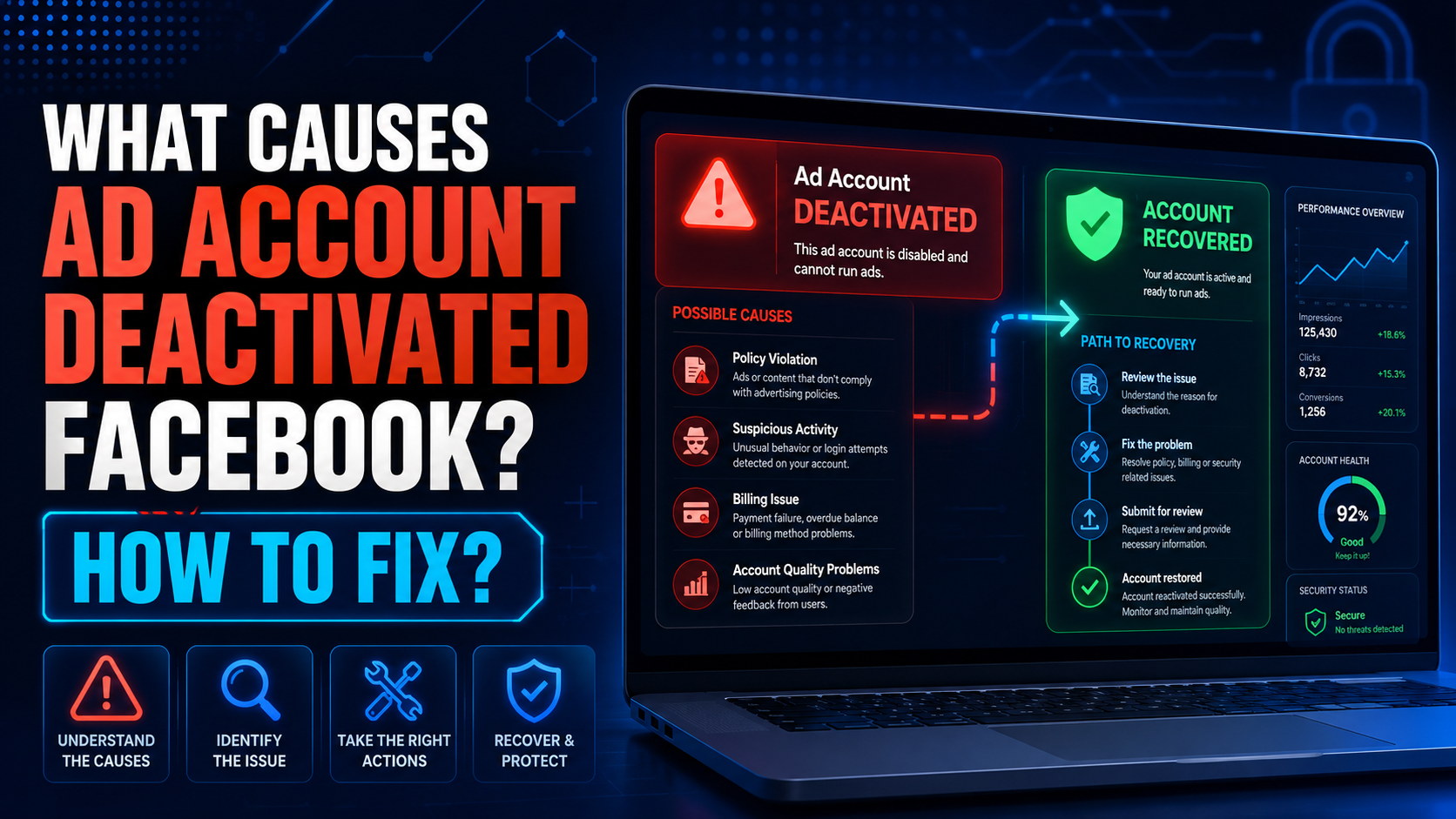
The problem of ad account deactivated Facebook is no longer a rare thing. Due to many reasons, your account “evaporated” from this social networking platform. So what causes the Facebook ad account to be disabled? Follow the article to get the most accurate answer.Reasons Ad account deactivated FacebookAd account deactivatedHow would you feel if one day you couldn’t find your ad account anymore?[…]

Making money MMO is a phrase that is mentioned a lot today when it helps many people to have a good income without going to the office. According to the Economic Welfare of U.S. Households 2021, released in May 2022 by the Board of Governors of the Federal Reserve System, about 16% of adults are employed. A side job during the month to earn extra income.If you want to make money, you are not[…]
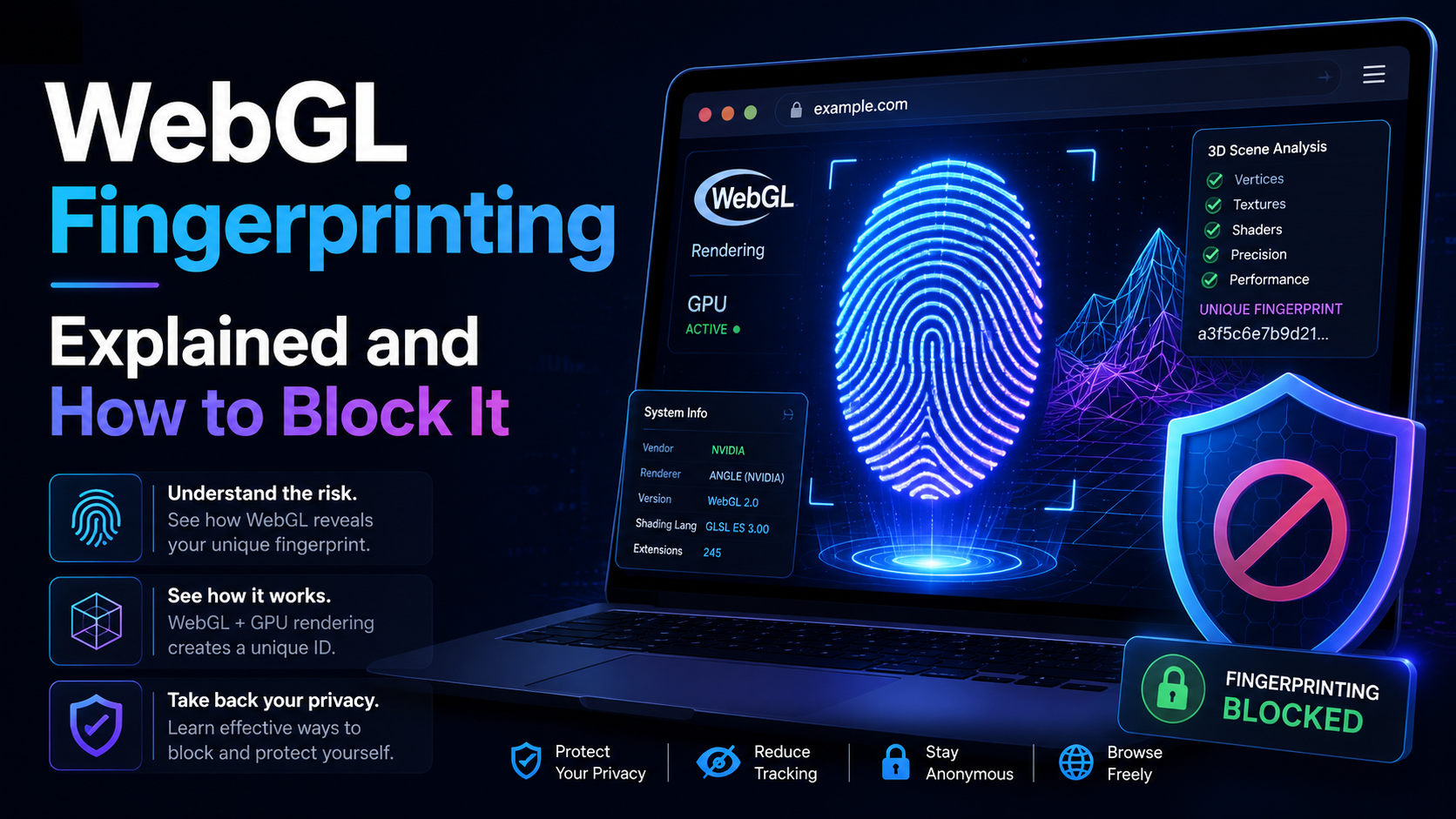
WebGL is built similar to a website. Platforms can rely on WebGL exploits to recognize browser fingerprints. So what is the nature of WebGL, advantages, and its applications? And is there a way to block websites from collecting browser fingerprints via WebGL?Overview of WebGLWhat is WebGL?WebGL stands for Web Graphics Library – a graphics library that allows drawing, displaying, or interacting[…]
How humanizing AI content Brings Back the Personal Touch OnlineThe internet has changed the way we talk share and connect. Every post story, and caption reaches people around the world in seconds. But somewhere along the way, our online voices started to sound the same. Content feels fast but not always real. As AI tools become part of daily work, from writing captions to planning posts, many[…]
.png)
The Invisible Gap Between Ideas and DecisionsEvery creative process starts with a spark, an idea that feels clear in your head but often becomes blurred when shared with others. Marketers, designers, and stakeholders frequently struggle to align on what a concept actually looks like in execution. Words, sketches, and mood boards can only go so far before interpretation starts to drift. This is[…]
