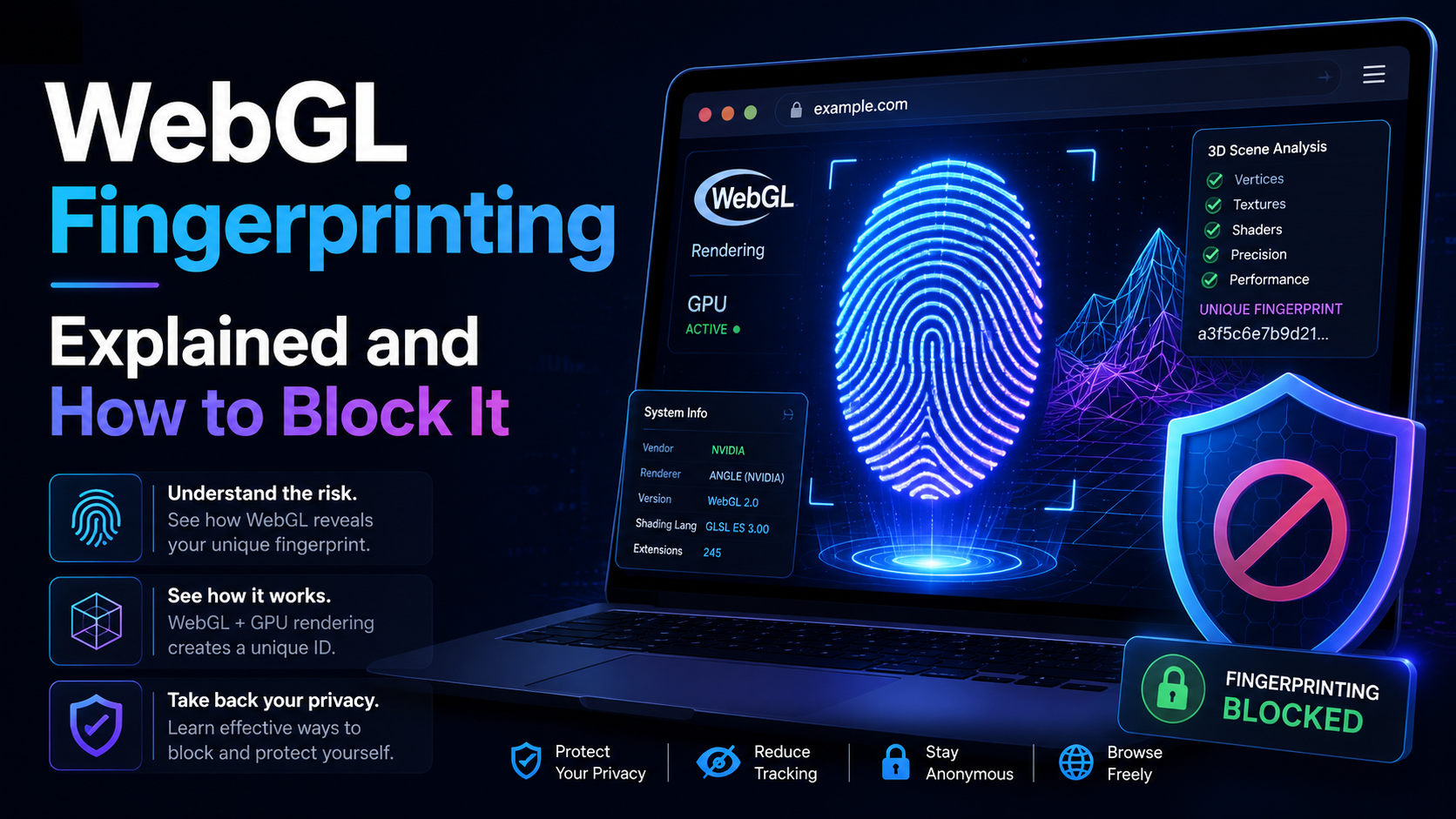

WebGL is built similar to a website. Platforms can rely on WebGL exploits to recognize browser fingerprints. So what is the nature of WebGL, advantages, and its applications? And is there a way to block websites from collecting browser fingerprints via WebGL?
Overview of WebGL
What is WebGL?
WebGL stands for Web Graphics Library – a graphics library that allows drawing, displaying, or interacting with 3D graphics derived from OpenGL ES for the web. In OpenGL ES is a 2D and 3D graphics library on embedded systems.
WebGL can work well on modern 3D graphics hardware, with essential functions similar to OpenGL ES. Contrary to the tradition, the programming language that 3D graphics use is not C or C++ but JavaScript and HTML5. That helps you not to need to put a plugin and still be able to use WebGL directly in the browser.
Advantages
Many people use WebGL because of its outstanding advantages:
- The ability to create 3D games simulates information and data on the network with an intuitive interface.
- Easy to use and guaranteed to be effective compared to other technologies.
- Start developing 3D graphics applications with a browser and text editor.
- Easily export standard web 3D graphics applications.
- Take advantage of full browser functions.
- Applications can interact with HTML directly by Webgl written in Javascript.
Do platforms collect WebGL for fingerprints?
Websites can mine browser fingerprints via WebGL. Platforms can do this in 2 ways:
- WebGL report: the entire Webgl browser report table will be retrieved and checked. Sometimes, it is converted to a hash for faster parsing.
- Webgl image: a hidden 3D image displayed and hashed. Because the result is hardware dependent – make the calculation. This method yields unique values for different combinations of devices and their drivers.
You can check the fingerprint information that websites retrieve through the API from Browserleaks.
That’s why many people choose Virtual Private Networks (VPNs) to ensure their online anonymity. In today’s explosive internet world, it has become a matter of concern for a person to protect his identity or even bypass government censorship avoid unwanted trackers. v.v Especially those who work in the field of MMO need more anonymity to log in to multiple accounts simultaneously. But with a VPN network, WebGL can still leak and reveal information about your device.
Hidemium limits all risks of browser fingerprinting
Hidemium is anti-browser software with the most modern and complete feature updates available today. In there, you can optionally control WebGL fingerprinting readings. Or allow the website to see the actual device fingerprint.
– WebGL Image: When you set a WebGL image to Noise mode, Hidemium blocks the WebGL reading requested by the website and adds a unique noise to it. In the browser profile, this noise will persist. That is, all WebGL reads are changed in the same way in this profile.
- The same WebGL image on different pages will be changed in the same way.
- The same image in two different browser sessions will be changed in the same way.
This creates a unique fingerprint that exists for a given browser profile.
WebGL Image
– WebGL Metadata: When metadata masking is enabled, Hidemium changes the WebGL Provider and Renderer parameters with values retrieved from the fingerprint database.
WebGL Metadata
– WebGL mode off. When you disable WebGL masking, websites will see actual WebGL reports and image hashes.
So you have answered the question What is WebGL? And understand how the platforms collect fingerprints via WebGL. Learn more about WebGL fingerprint and plans to use Hidemium to serve you better!
Related Blogs
Managing multiple online accounts has become increasingly complex as websites develop more sophisticated tracking and browser fingerprinting technologies. For digital marketers, e-commerce sellers, affiliate marketers, and agencies, maintaining separate browsing environments is essential for efficient account management.Antidetect browsers help address this challenge by allowing users to create[…]
.png)
How to Use Proxy302’s Proxies with Hidemium Try Proxy302 For Freewith the link:https://share.proxy302.com/hidemiumClick 【Start free trial】 and enter your personal information. Click【Register account】, the account is created successfully. If you have an account, just【Log in】.Why Use Hidemium?Hidemium is a modern antidetect browser trusted by professionals across the globe. It offers strong[…]

Have you ever needed to access TikTok but didn’t have your phone nearby? I’ve been there too – when my phone ran out of battery or I just wanted to see notifications on the big screen without distraction. That’s when,TikTok Web becomes a great choice, bringing a smooth and surprisingly convenient experience.With TikTok Web, you can easily do a lot of things: from browsing your For You Page,[…]

Accessing blocked websites in Vietnam is no longer too difficult if you know how to use it. Proxy through firewall properly. This is an ideal solution, which helps free internet access, just to make sure safety and security of personal information. Together Hidemium Antidetect Browser Discover the 3 most effective methods of using Proxy to bypass firewalls today.1. Use free Proxy websites to[…]

CAPTCHAs are designed to distinguish humans from bots, but in the fields of automation and software testing, bypassing this layer of protection is sometimes a necessary requirement. Dedicated CAPTCHA solving services meet that need by combining the power of algorithms with global human resources.In this article, Hidemium will analyze and compare the four leading platforms today — 2Captcha,[…]
.png)
Reddit "We Had a Server Error": Causes and How to Fix It (2026)You're following an interesting thread on Reddit when a notification suddenly pops up: "We had a server error. Try again later." You're probably feeling annoyed — the message interrupts everything you're doing. So what does this error actually mean, and how do you fix it quickly?In short, it's a message telling you there's a problem[…]
