
Can You Have Multiple Gmail Accounts?
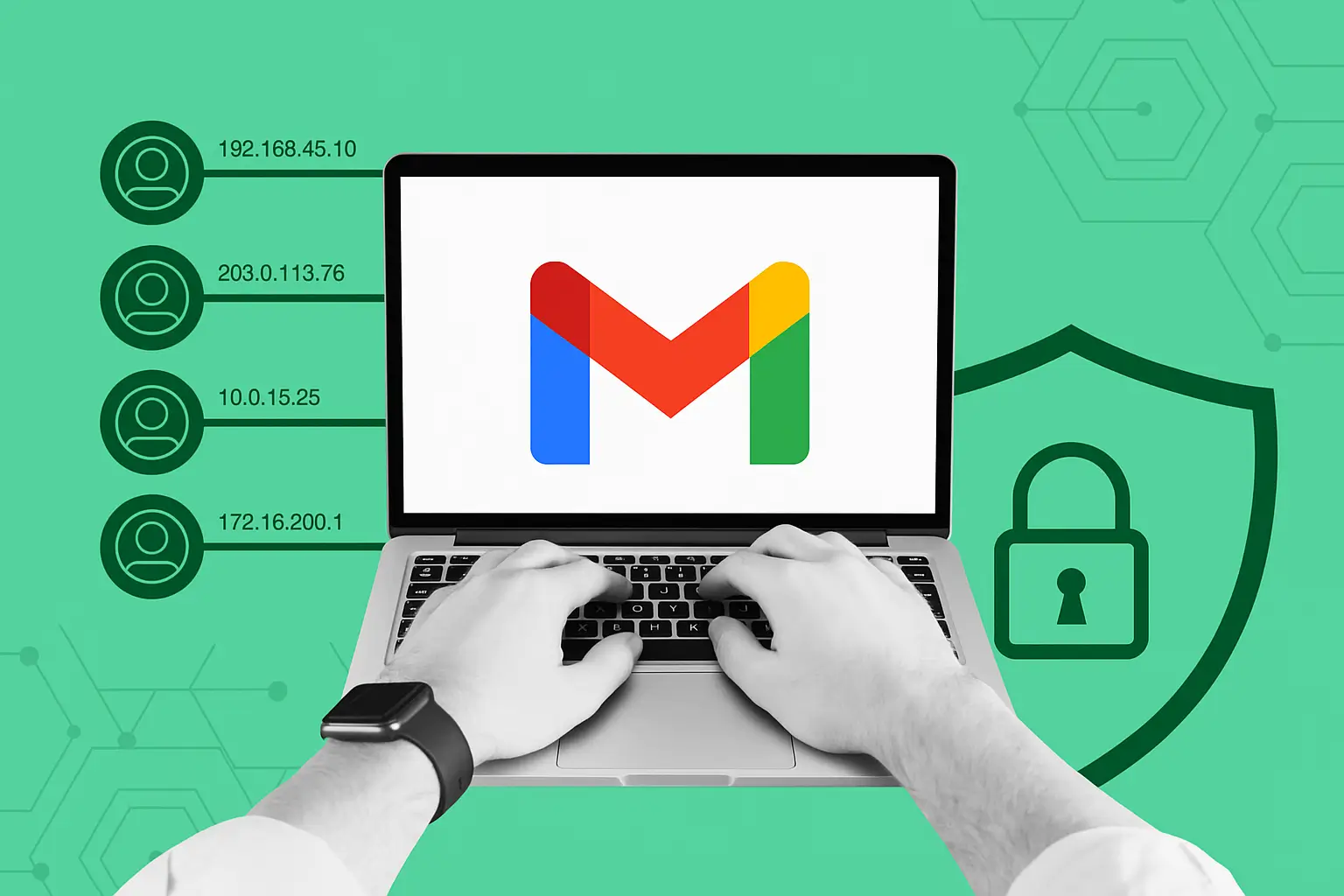
Yes — Google officially allows users to have multiple Gmail accounts. There's no hard limit on how many accounts you can create. However, running multiple accounts from the same browser, device, or IP address can trigger Google's fraud detection systems, leading to account suspensions or permanent bans.
In 2026, Google's account security systems have become significantly more sophisticated. Simply opening incognito windows or switching accounts in the same browser is often enough to get accounts flagged as potentially fraudulent. Here's what you need to know to run multiple Gmail accounts safely at scale.
Why Google Detects Multiple Accounts
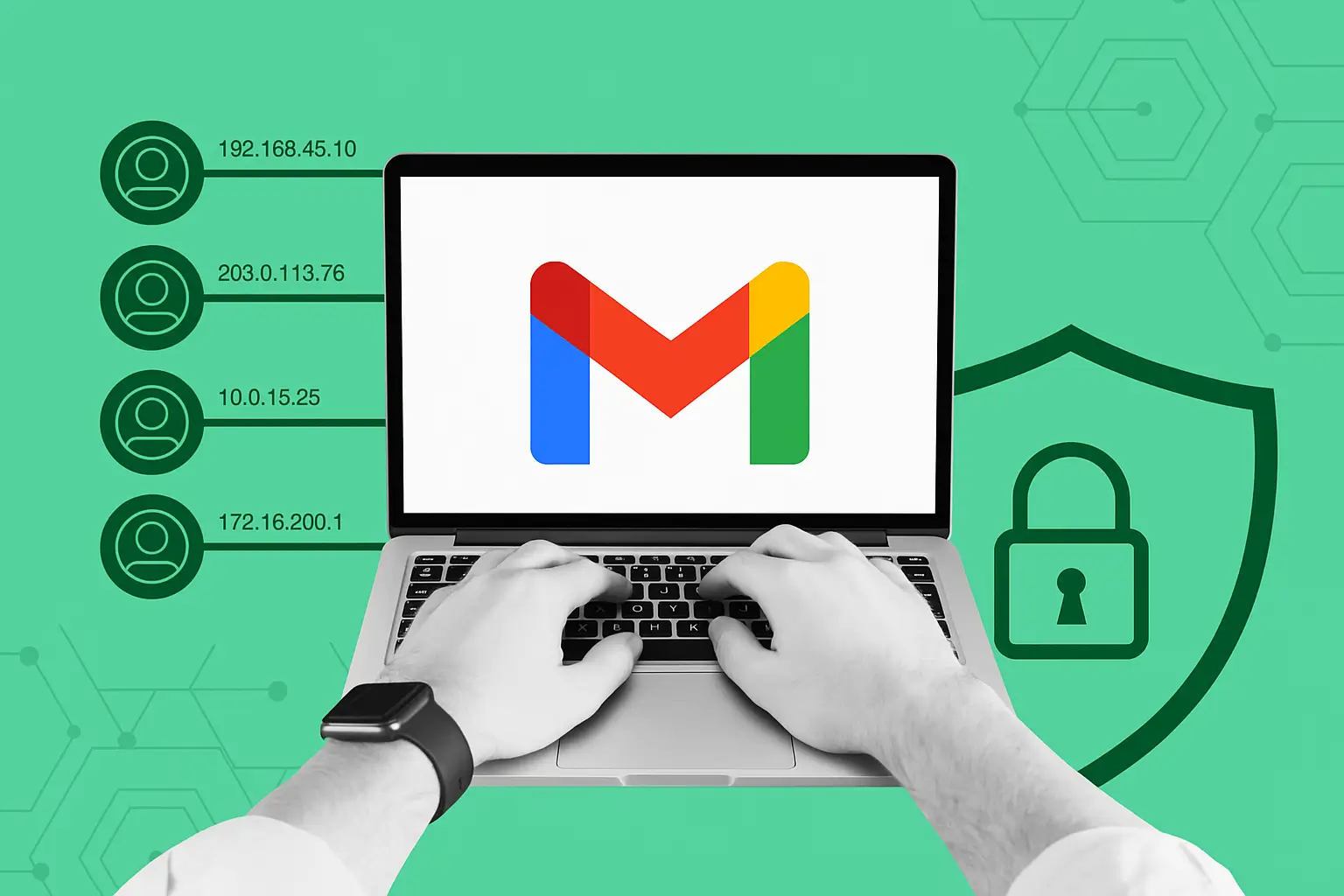
Google uses a combination of signals to detect users running multiple accounts:
- Browser fingerprint: The unique combination of your hardware and software settings that identifies your browser across sessions
- IP address: Multiple accounts logging in from the same IP triggers risk scoring
- Cookies and local storage: Cross-contamination between accounts in the same browser creates detectable patterns
- Behavioral patterns: Similar typing rhythms, navigation patterns, and activity schedules across accounts
- Device recognition: Screen resolution, GPU fingerprint, and hardware configuration
When Google detects these patterns, it may require phone verification, limit account features, or permanently suspend accounts suspected of policy violations.
How Many Gmail Accounts Can You Have?
Google doesn't publish a maximum number, but practical limits exist based on phone numbers — Google typically allows verification of 4-10 accounts per phone number. For professional use cases requiring dozens or hundreds of Gmail accounts, you need a more systematic approach.
The Safest Way to Run Multiple Gmail Accounts in 2026
The most reliable method for managing multiple Gmail accounts without bans is to use an antidetect browser with isolated profiles and quality proxies. Here's how this works with Hidemium:
- Create a separate Hidemium profile for each account: Each profile gets a completely unique browser fingerprint — different User-Agent, Canvas signature, WebGL hash, screen resolution, and timezone
- Assign a unique proxy to each profile: Use residential or mobile proxies to give each account a distinct, clean IP address. Mobile proxies work particularly well for Gmail as they appear as regular smartphone users
- Never cross profiles: Log into each Gmail account only from its designated Hidemium profile — never switch accounts within the same profile
- Match timezone to proxy location: Hidemium automatically syncs browser timezone with proxy location, creating a consistent geographic profile
- Use different recovery information: Each account should have unique recovery email/phone combinations to avoid linking accounts in Google's systems
Use Cases for Multiple Gmail Accounts
There are many legitimate professional reasons to manage multiple Gmail accounts:
- Business operations: Separate accounts for different departments, projects, or client relationships
- Marketing and outreach: Email warm-up campaigns require multiple sending accounts to build domain reputation
- Software testing: Developers testing Google integrations need multiple accounts to simulate different user scenarios
- Research and scraping: Accessing Google Search, YouTube, and other Google services from fresh accounts for research purposes
- Privacy separation: Keeping personal, professional, and business activities in separate isolated accounts
Gmail Account Limits: What You Need to Know
Key Gmail limits to be aware of when managing multiple accounts:
- Sending limits: Standard Gmail accounts can send up to 500 emails per day. Google Workspace accounts can send up to 2,000 per day
- Storage: 15GB free storage per Google account, shared across Gmail, Drive, and Photos
- New account restrictions: Newly created accounts often have sending restrictions for the first 7-30 days
- Phone verification: Google requires phone number verification, with a limited number of accounts per phone number
Managing Gmail Accounts at Scale with Hidemium
For teams managing 10, 50, or hundreds of Gmail accounts, Hidemium provides the infrastructure to do this safely and efficiently:
- Profile organization: Group profiles by project, client, or purpose with Hidemium's folder system
- Team access: Share profile access with team members while maintaining account isolation
- Automated workflows: Use Hidemium's built-in automation to handle repetitive tasks across multiple accounts simultaneously
- Proxy management: Manage and rotate proxy assignments across your entire account portfolio from one dashboard
Start Managing Multiple Gmail Accounts Safely Today
Hidemium is used by thousands of marketers, developers, and business professionals to manage multiple Google accounts without risk of cross-contamination or detection. Download Hidemium for free and set up your first isolated Gmail profile in under 5 minutes.
Related Blogs
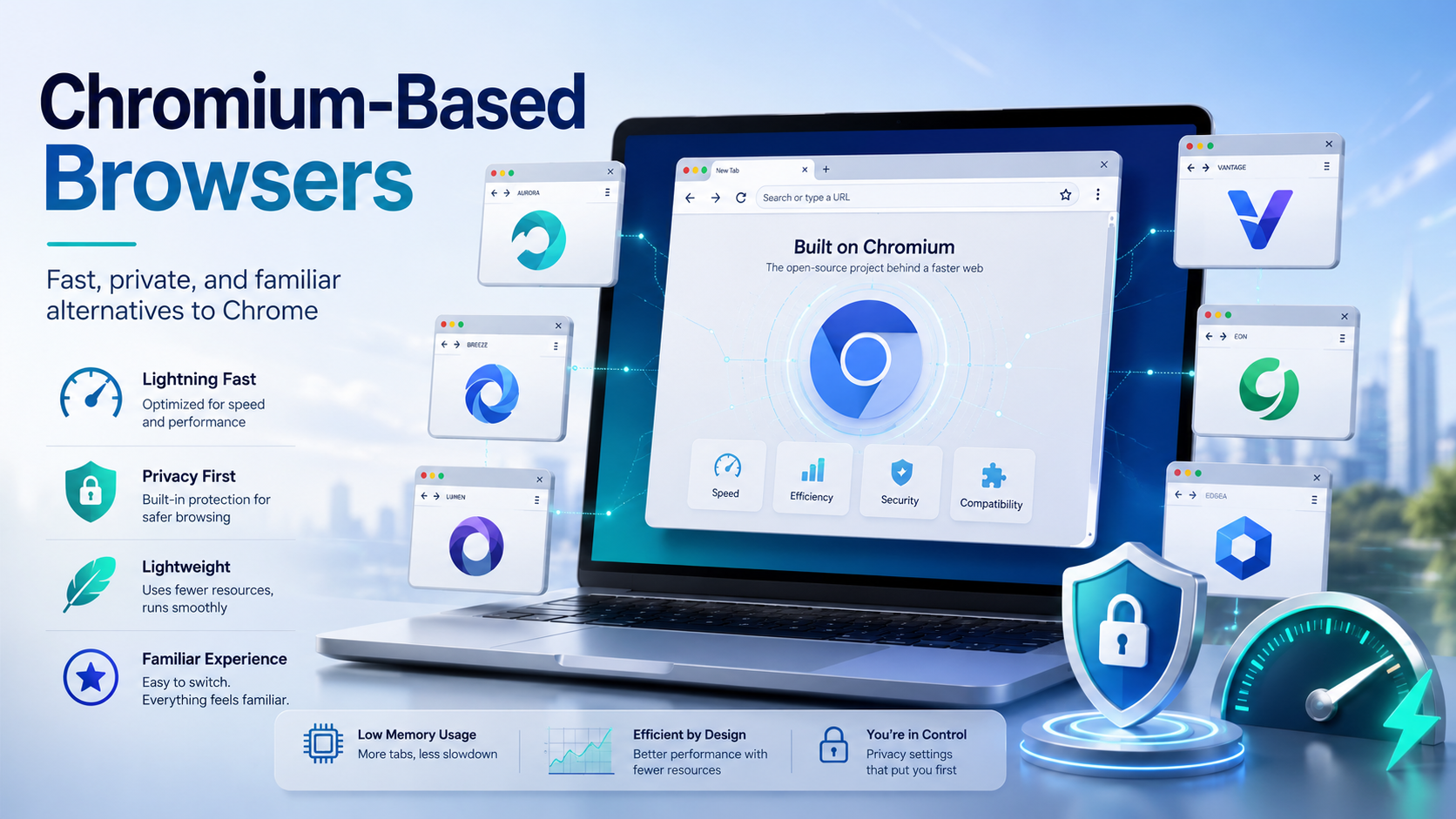
Chances are, you are reading this article on a browser built on the Chromium framework. While Google Chrome remains the undisputed heavyweight champion of the internet, an entire ecosystem of fantastic alternatives has quietly taken over the web. These are known as chromium based browsers, and they are reshaping how we experience the internet.If you are tired of your computer slowing down due to[…]
.png)
In the digital age, protecting privacy and accessing geo-restricted content on Android has become essential. Using a free VPN is an effective solution to browse securely, bypass access restrictions, and protect personal data. Here’s the list of the top 10 free VPN apps for Android in 2025, rated based on speed, security, and user experience.1. What is a VPN and why do you need it on Android?A VPN[…]
.png)
In multi-account operations, e-commerce monitoring, and ad verification scenarios, browser environment isolation and reliable proxy services have become essential “infrastructure.” For users of multi-account browsers like Hidemium, choosing a stable, secure, and widely covered residential proxy service is crucial.This article will introduce you to IPPeak, explain why it’s worth considering, and[…]
.png)
In today's challenging Digital Marketing environment, protecting accounts and safeguarding user information has become a top priority. Antidetect Browser plays a key role in protecting identities and optimizing online marketing strategies. With its ability to mask information and block tracking activities, this tool not only supports the effective management of multiple advertising accounts but[…]
2025 is the year of YouTube Automation, thousands of creators and MMOs are nurturing dozens of channels every month, the focus is still on increasing views, increasing watch hours and increasing subscribers quickly to qualify for monetization. Therefore, YouTube view increasing tools have become indispensable weapons. However, using the wrong tool, the wrong way can easily lead to channel death[…]
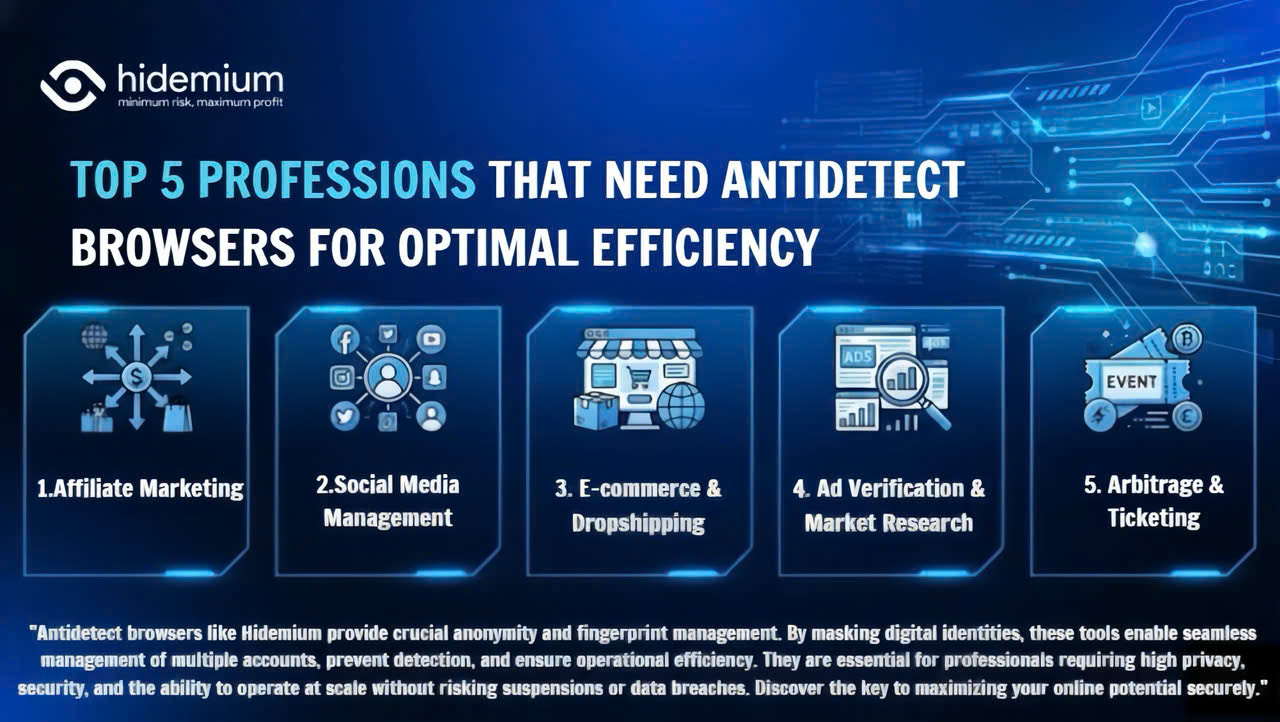
Major platforms such as Facebook, Google, Amazon, and eBay are increasingly tightening their policies, making multi-account management highly risky. Simply logging into multiple accounts on the same device can get you flagged for linkage and lead to mass account suspensions within minutes. So who truly needs this tool? Let’s join Hidemium in exploring the Top 5 industries that need an Antidetect[…]
