How I Cut Thumbnail Time From 90 Minutes to Under 15 Without Lowering Quality
Try Hidemium for free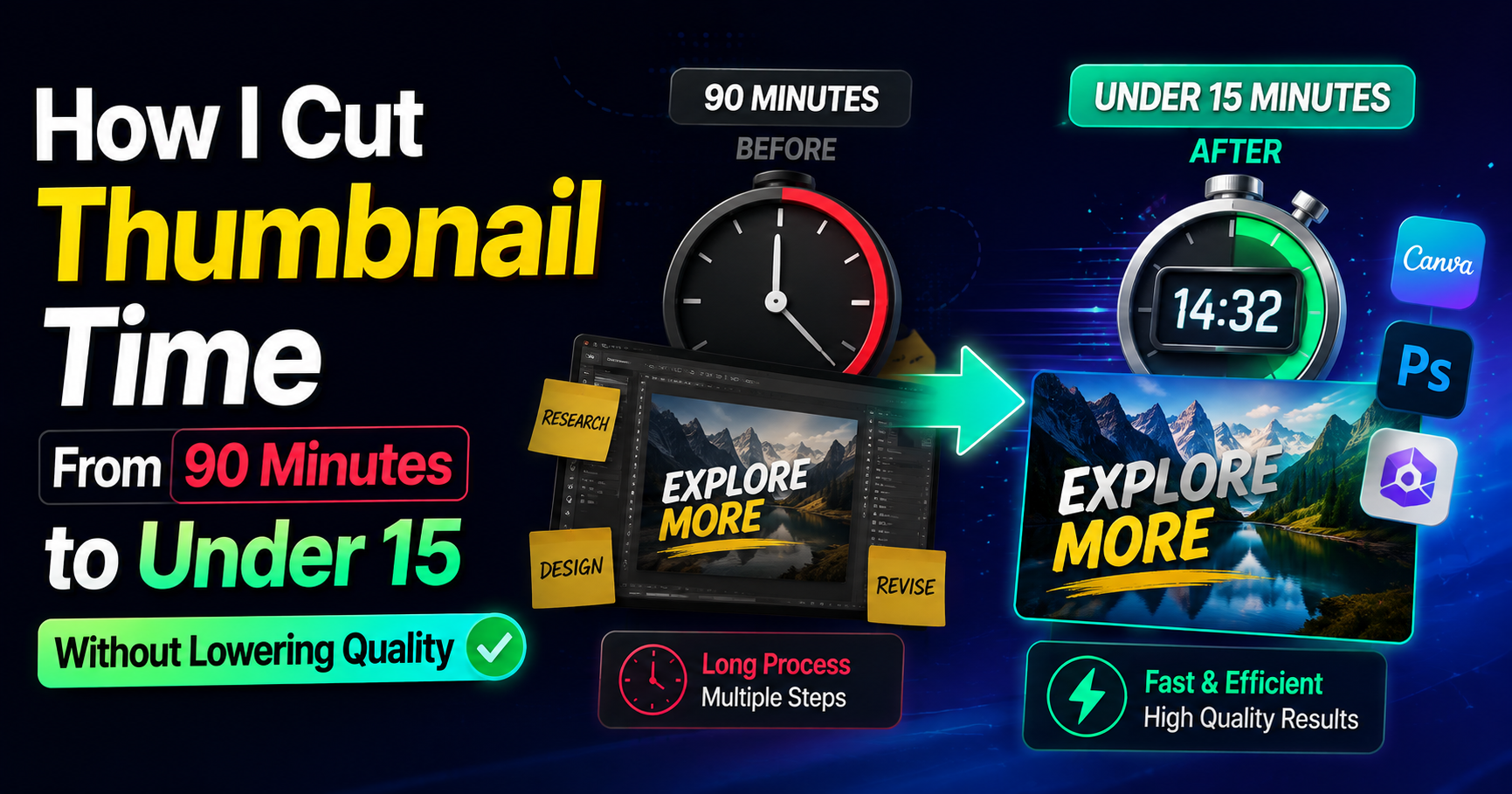

HubSpot’s latest marketing data shows short-form video consistently ranks among the top ROI-driving formats for marketers. That number only matters if people actually click. For freelancers who bill by the hour, every extra minute spent polishing a thumbnail is time that does not get invoiced elsewhere. I learned this the expensive way.
I used to open a design file, stare at a blank frame, and burn billable time chasing “something that pops.” The real cost was not the design work itself. It was the decision fatigue and the revisions that followed. Switching to Thumbs.ai as my main video thumbnail generator changed the math. Here is the exact sequence I now follow, built around the mistakes that used to eat my schedule.
Treating Every Thumbnail Like a Fresh Design Project
Step
Stop opening a blank canvas. Start with a short text description of the video’s core promise and generate options immediately using Thumbs.ai’s text-to-thumbnail function.
Why it matters
A blank file invites endless experimentation. When you begin with generated options, you move from creation mode into selection-and-refinement mode. That shift alone routinely saves 40–50 minutes on a single thumbnail.
Pro tip
Write the prompt the way you would pitch the video in one sentence to a client. Specific beats clever. “Woman looking shocked at laptop showing declining graph” outperforms vague mood descriptions every time.
Ignoring What Already Works on the Platform
Step
Before generating anything new, feed Thumbs.ai an existing high-performing thumbnail—either your own or one from a relevant channel—and use the recreate function to produce variations that keep the structural strengths.
Why it matters
Most thumbnails fail because they ignore proven visual patterns. Recreating from a strong reference transfers hierarchy, contrast, and focal-point logic without forcing you to reverse-engineer them from scratch.
Pro tip
Keep a small reference folder of your own past winners. Recreating from your own work maintains brand consistency faster than starting from external examples.
Accepting Flat or Generic Facial Expressions
Step
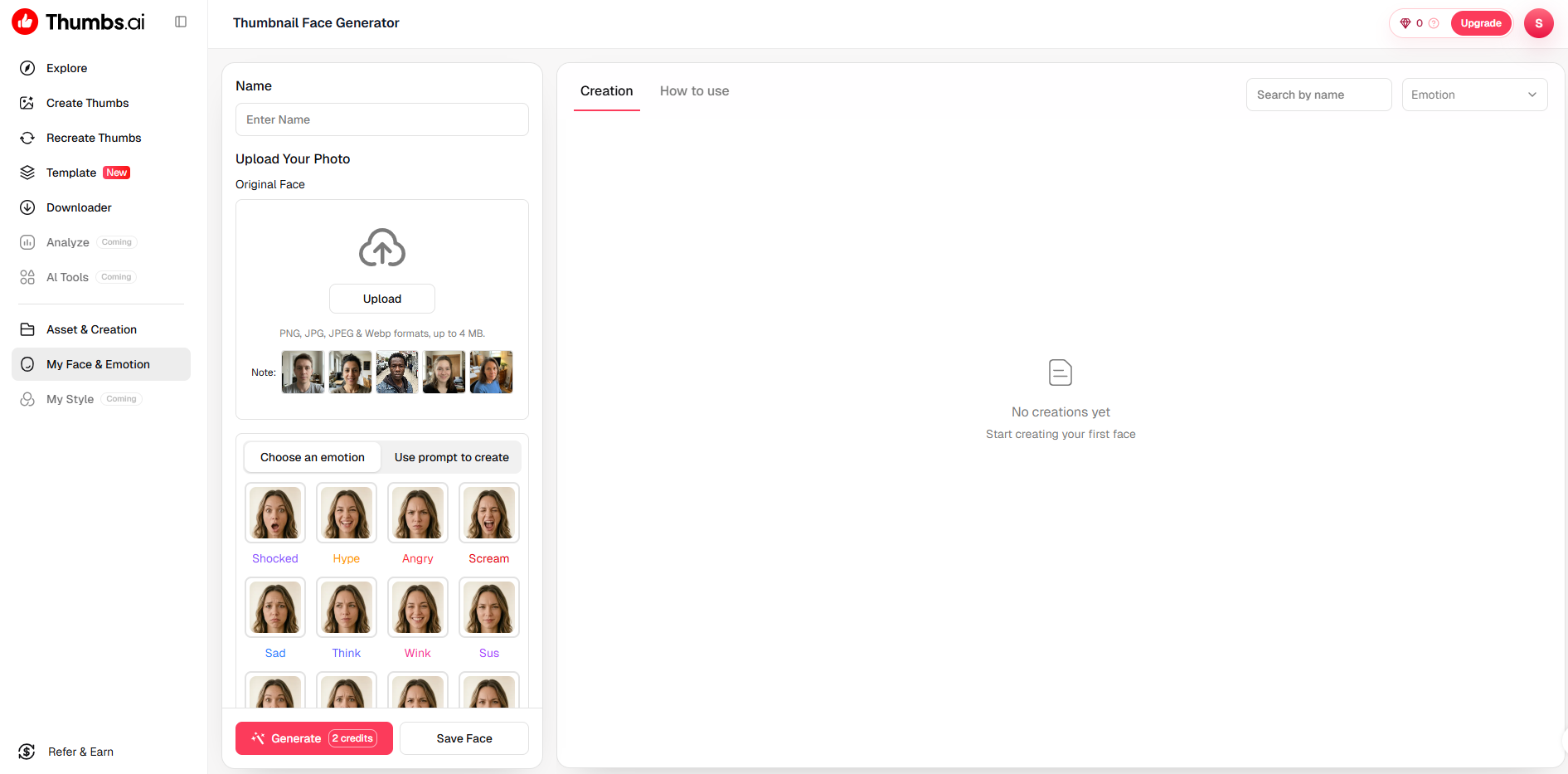
When a face appears in the frame, run it through Thumbs.ai’s AI face expression generator and deliberately push the intensity higher than feels comfortable at first glance.
Why it matters
On a phone screen the difference between a mild smile and a clear emotional signal is the difference between a scroll-past and a click. Subtle expressions disappear at thumbnail size.
Pro tip
Generate three expression levels—restrained, medium, strong—then choose the middle one after viewing them at actual thumbnail scale. The strongest option often looks cartoonish once shrunk.
Designing Only One Version Per Video
Step
Force yourself to generate and export at least four distinct variations for every video before you decide.
Why it matters
A single design locks you into one hypothesis. Multiple versions let you test contrast, text placement, and expression without additional creative effort. Over a month this habit compounds into clearer data on what your audience actually prefers.
Pro tip
Name the files with the variable you changed (color, expression, text size). When one outperforms the others, you know exactly what to repeat.
Trying to Perfect Every Pixel Before Export
Step
Accept that Thumbs.ai has limits on fine typography control and micro-adjustments, then stop once the thumbnail is clear at mobile size.
Why it matters
This is the limitation that turned out useful. Because the generator does not give infinite layer control, it prevents the endless tweaking that used to consume the last 25 minutes of every job. The constraint enforces a hard stop.
Pro tip
Set a personal rule: if the thumbnail reads clearly when the browser window is reduced to phone width, it ships. Anything beyond that is polish the algorithm will not reward.
Skipping the Side-by-Side Reality Check
Step
Place the final candidate next to two or three competitor thumbnails from the same search results or suggested video row before uploading.
Why it matters
A design can look strong in isolation and disappear in the actual feed. The comparison reveals whether your contrast and focal point survive real competition.
Pro tip
Do this check on your phone, not your monitor. Most viewers will encounter the thumbnail at that size and under that lighting.
After six months of running this sequence with Thumbs.ai, my average time per thumbnail settled under fifteen minutes. More importantly, the work stopped leaking into evenings. The Video Thumbnail Generator did not make me a better designer. It removed the parts of the process that were never billable in the first place. The real gain was not prettier images. It was the ability to close the laptop at a reasonable hour and still deliver work that performs.
Related Blogs

In today's internet environment, managing digital identity is becoming increasingly important. Every time you access a website, log into an account, or perform an online action, you leave behind certain identifying marks. The collection of this data forms a digital identity digital footprint, which many platforms use to identify and track users.One of the popular tools used to analyze this level[…]

Are you looking for a way to generate passive income without complicated skills, techniques, or owning a website? Affiliate marketing with ClickBank is the ideal choice for beginners, and when combined with tools Antidetect Browser Hidemium, you can optimize your campaigns for maximum effectiveness. In this article, we will guide you step by step to make money online with ClickBank without a[…]

Managing multiple online identities or scraping data securely requires more than just a browser extension — it demands a reliable proxy solution. If you're using Hidemium, a popular anti-detect browser, combining it with QuarkIP’s high-quality proxy services can take your anonymity, stability, and performance to the next level.In this guide, we’ll walk you through how to set up QuarkIP proxies in[…]

Opening a store on Etsy is an excellent opportunity to start a business. However, to attract customers and increase traffic to your store, you need a clear strategic plan and effective execution.This article by Hidemium will guide you step-by-step on setting up an Etsy store and share effective strategies to help you drive traffic and boost sales growth. 1. What is Etsy?Etsy is a popular[…]

Scaling a YouTube channel from a side project into a major marketing asset is a high-stakes endeavor. You need rapid growth to capture the algorithm's attention, but aggressive tactics can trigger YouTube's sophisticated detection systems, putting your entire channel at risk. The central challenge for every ambitious marketer is how to push the boundaries of growth without crossing the line into[…]

In the digital age, using two computers in parallel to serve work is becoming more and more popular. To optimize performance and share data easily, connecting 2 computers via IP address is a useful solution, especially when both devices are on the same local network. Here are detailed instructions on how to do it.Antidetect Browser Hidemium:1. How to connect 2 computers via internal IP[…]
