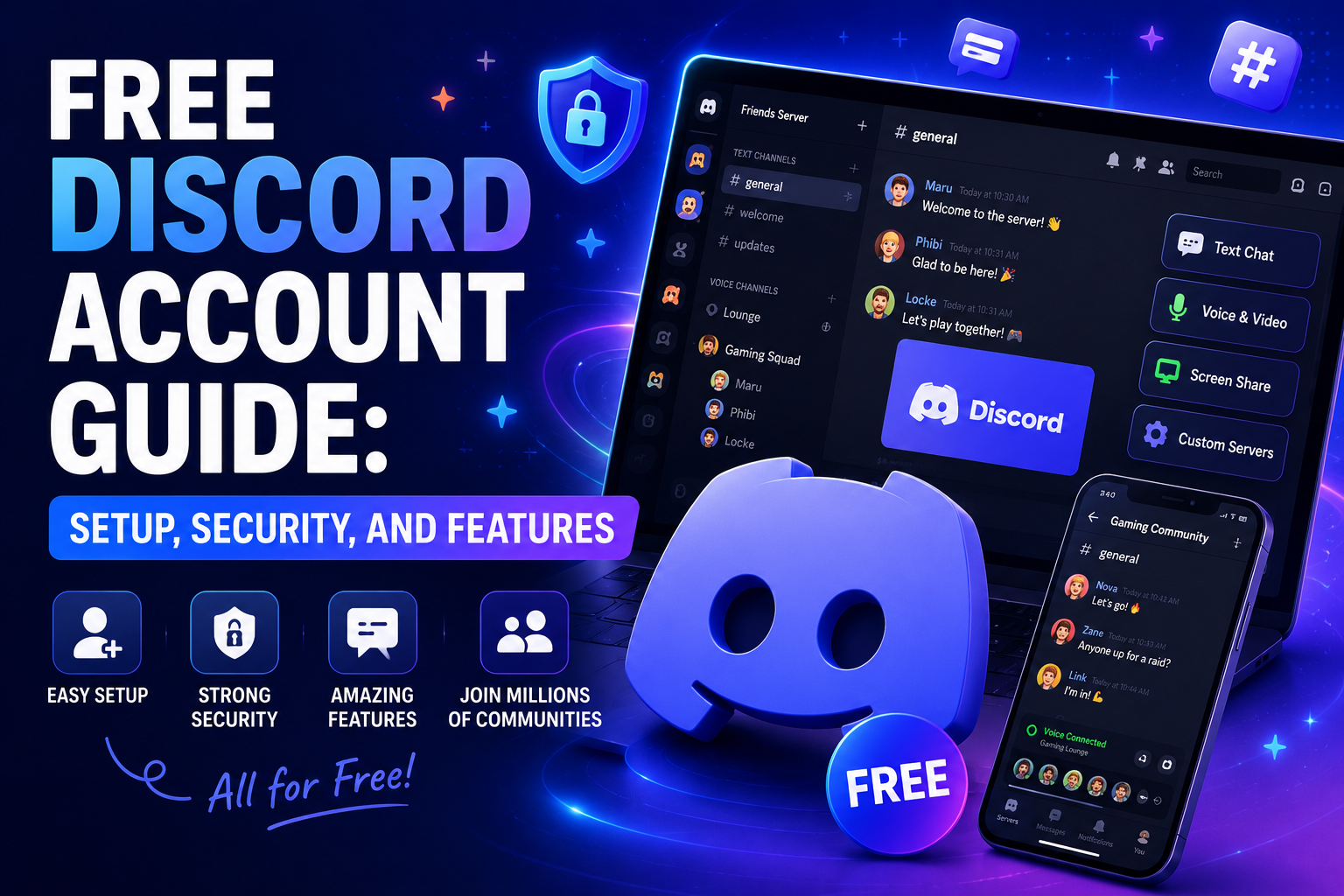

Whether you are a gamer looking to coordinate raids, a student collaborating on a group project, or a hobbyist searching for like-minded individuals, Discord has become the ultimate digital gathering place. The best part? Getting started costs absolutely nothing. Securing a free Discord account is your gateway to thousands of vibrant communities, crystal-clear voice chats, and seamless text communication.
However, jumping into a new platform can sometimes feel overwhelming. In this comprehensive guide, we will walk you through everything you need to know about setting up, securing, and maximizing your Discord experience. We will cover the best privacy practices, compare free features to paid upgrades, and show you how to avoid common digital scams.

How to Sign Up for Discord: The Right Way
Creating your profile is incredibly straightforward, but doing it correctly ensures you won't run into access issues later. If you are wondering how to sign up for Discord, you have a few options: you can use your computer, your smartphone, or even just your web browser.
Discord Registration Process Step by Step
Follow this simple discord registration process step by step to get your profile up and running in minutes:
- Choose Your Platform: Navigate to Discord.com on your PC or download the app from the iOS App Store or Google Play Store.
- Hit Register: Click on the "Login" button at the top right of the website, then find the "Register" link below the login fields.
- Fill in Your Details: You will need to provide a valid email address, a unique display name, a username, and a strong password. You will also be asked for your date of birth to ensure you meet the platform's age requirements.
- Pass the Captcha: Prove you are human by completing the quick puzzle.
- Verify Your Email: Check your inbox for a verification email from Discord. Clicking the link in this email is crucial for unlocking all the basic features of your new account.
Using Discord on Browser vs Desktop App
When you first start, you might wonder about using Discord on browser vs desktop app. The browser version is fantastic for quick, temporary access. If you are using a public or work computer where you cannot install software, the browser app gives you almost all the core functionality.
However, the desktop application is highly recommended for regular users. It offers better performance, system-wide push-to-talk features, lower latency for voice calls, and an in-game overlay that lets you see who is talking while you play.
Discord Mobile App Setup Guide
For those who want to stay connected on the go, the mobile app is a must-have. Here is a quick Discord mobile app setup guide:
- Download the app and log in using the credentials you just created.
- Allow microphone and camera permissions when prompted so you can join voice and video calls.
- Enable push notifications, but take a moment to customize them in the settings so your phone isn't buzzing constantly from busy servers.

Security First: Protecting Your New Account
A common question newcomers ask is: are free Discord accounts safe? The answer is a resounding yes, but their safety largely depends on how you configure your settings. It is essential to focus on safe ways to create a Discord profile right from day one.
Discord Account Verification Methods
Discord employs several security layers to keep bots and bad actors off the platform. The most common Discord account verification methods include email verification and Two-Factor Authentication (2FA). We highly recommend enabling 2FA immediately through an app like Google Authenticator or Authy.
Many users ask about setting up Discord without a phone number. It is completely possible to create and use an account using only an email address. However, be aware that some highly secure community servers require phone verification to join. This is a measure server owners use to prevent spam bots.
Discord Privacy Settings for Beginners
Taking control of your data and online presence is vital. Here are the most important Discord privacy settings for beginners to adjust:
- Safe Direct Messaging: Go to User Settings > Privacy & Safety. Here, you can choose whether to allow direct messages from server members. Turning this off for large, public servers is a great way to avoid spam.
- Friend Requests: You can restrict who can send you friend requests (Everyone, Friends of Friends, or Server Members).
- Data Privacy: Discord allows you to toggle off data collection for analytics and personalization.
Before interacting with others, take a few minutes to read the Discord community guidelines for new users. These rules outline acceptable behavior, prohibiting harassment, hate speech, and the sharing of malicious content, ensuring the platform remains welcoming for everyone.
Exploring Your Free Discord Features
You don't need to spend a dime to enjoy a premium-feeling communication tool. The free Discord features list is incredibly generous, providing everything a standard user or gamer could possibly need.
Free Discord Features List
- Unlimited Text Chat: Create direct messages, group chats, or join thousands of servers.
- High-Quality Voice Channels: Jump into voice channels with ultra-low latency.
- Video Calls and Screen Sharing: Share your screen or turn on your webcam in direct messages or server voice channels at standard resolutions.
- File Sharing: Upload images, documents, and short clips up to 25MB in size.
- Server Creation: You can create your own servers for free, inviting friends, family, or followers to a customized digital space.

Expanding Your Network
You don't always need a direct link from a friend to find a community. Joining Discord servers without an invite is easy using the "Explore Public Servers" feature (the compass icon on the desktop app). Here, you can search for servers dedicated to your favorite games, study groups, language learning, and more.
Furthermore, if you want to keep your professional life separate from your gaming habits, creating multiple Discord profiles is natively supported. The desktop and mobile apps feature an "Account Switcher" tool, allowing you to seamlessly toggle between your work account and your personal gaming account without needing to constantly log out and log back in.
Discord Nitro vs. Free Features: Should You Upgrade?
While a free account is robust, Discord offers a premium subscription called Discord Nitro. When comparing Discord Nitro vs free features, the core functionality (chatting, voice, video) remains the same, but Nitro adds several quality-of-life enhancements.
Discord Nitro Subscription Benefits
- Larger Upload Limits: Upload files up to 500MB, making it easy to share high-quality videos and large project files.
- HD Streaming: Screen share in 4K and 60fps, perfect for streaming gameplay to your friends.
- Custom Emojis Everywhere: Use custom and animated emojis from any server you belong to in any other server or direct message.
- Custom Profiles: Add animated avatars, profile banners, and custom color themes to your user card.
- Server Boosts: You get two free Server Boosts to help your favorite communities unlock perks like better audio quality and more emoji slots.
If you are on the fence about paying, keep an eye out for promotions. Occasionally, Discord partners with other gaming companies to offer a Discord free trial for Nitro, allowing you to test out the premium perks for a month at no cost.
The Danger of Scams: Generators and Fake Offers
Because Discord is so popular, it has unfortunately become a target for scammers trying to take advantage of users looking for freebies. It is crucial to understand the landscape of online scams to keep your personal information safe.
The "Account Generator" Myth
If you ever see a website or a YouTube video promoting a free Discord account generator or a Discord account generator free of charge, do not click it. These are 100% phishing scams. Since creating an account is already completely free directly through Discord's official website, these "generators" are merely fronts designed to steal your email address, passwords, or infect your device with malware. There is no legitimate reason to ever use third-party software to generate an account.

Beware of Fake Subscription Offers
Another rampant scam on the platform involves direct messages or fake servers promising premium subscriptions to other services. For example, you might receive a DM claiming you have won a free Xbox Game Pass account Discord giveaway. Similarly, bad actors might invite you to a "free Netflix account Discord server" or send you a direct link promising a free Netflix account Discord integration.
You might also see variations of this targeting PC gamers, such as links advertising a free Steam account Discord giveaway with pre-loaded games.
Here is the golden rule: If an offer seems too good to be true, it is a scam. These malicious links often lead to phishing websites designed to look exactly like the Discord or Steam login pages. The moment you enter your credentials, the scammers steal your legitimate Discord account and use it to spam the same fake offers to all of your friends.
To stay safe:
- Never click on unverified links sent by strangers in DMs.
- Remember that legitimate companies will never ask for your password.
- Official Discord promotions (like a real Xbox Game Pass partnership) will always be announced in the official Discord app under your User Settings > Gift Inventory, never through a random user's direct message.
Conclusion
Getting started with a free Discord account is your first step into a massive, interconnected digital world. Whether you are using it to stay in touch with a small group of friends or joining massive communities with thousands of members, the platform offers an unparalleled suite of communication tools at absolutely no cost.
By following the proper setup procedures, understanding the nuances between mobile and desktop apps, and utilizing robust verification methods, you can ensure your digital space remains secure. Take advantage of the comprehensive free features, tweak your privacy settings to your comfort level, and always remain vigilant against phishing scams and fake generators.
Now that you know exactly how to navigate the platform safely and effectively, it is time to create your profile, find your favorite communities, and start chatting. Welcome to Discord!
Related Blogs

Choosing the right proxy provider requires careful consideration of speed, stability, security, and customer service quality. In this article, we provide a detailed review of Naproxy, one of the most popular proxy providers today. By analyzing performance, reliability, and security features, you'll gain a comprehensive understanding to decide whether Naproxy is the right proxy solution for your[…]
What Is Web Scraping?Web scraping is the automated process of extracting data from websites. Instead of manually copying information from web pages, web scraping tools send HTTP requests to websites, parse the HTML content, and extract structured data — which can then be saved to a database, spreadsheet, or used directly in applications.In 2026, web scraping has become an essential capability for[…]
Advertising products and services on social networks are widespread to reach customers more effectively, especially on Facebook. Therefore, the seller’s primary concern is to use multiple Facebook ad accounts effectively to get the right users while ensuring that they do not violate the regulations of this giant. The following article will provide exciting information for those looking to sell on[…]
In today’s internet ecosystem, online platforms increasingly rely on advanced detection systems to identify devices and analyze user behavior. One of the key signals used in this process is the browser User-Agent.A User-Agent is more than just a string that identifies your browser and operating system. In practice, it is a critical component of browser fingerprinting, which websites use to[…]
Are you starting your content creation journey and struggling to get free YouTube views? Getting your first 1,000 views can be a big challenge, especially if you don’t want to run ads or use support tools. However, it is completely possible to get free YouTube views without using tools and without running ads if you apply the right strategy. In this article, you will discover effective, safe and[…]
Did you know? More than 25% of professional eBay sellers are using multiple accounts to increase revenue, spread risk, and avoid permanent bans. However, managing multiple eBay accounts without getting caught is a major challenge—unless you have the right tools.If you are really interested in multi-account eBay, selling anonymously or implementing dropshipping at scale, you've probably[…]
