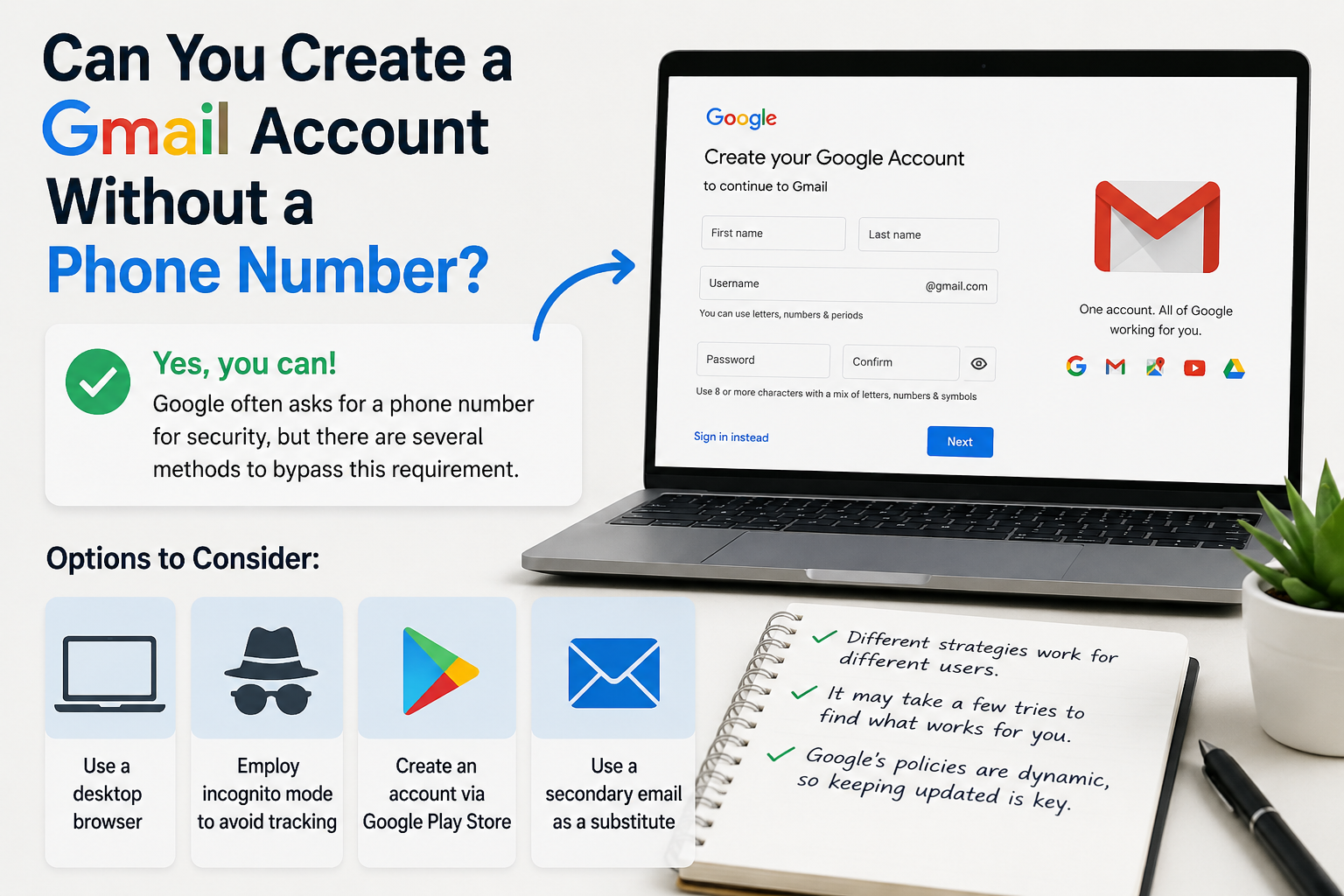

Create gmail with no phone number
Creating a Gmail account without a phone number is possible. Many users prefer this for privacy reasons.
Google often requests a phone number for verification. However, there are ways to bypass this step.
This guide will show you how to create a Gmail account without providing a phone number.
We will explore different methods and tips to achieve this.
Whether you're privacy-conscious or lack phone access, this guide is for you.
Can You Create a Gmail Account Without a Phone Number?
Yes, you can create a Gmail account without a phone number. It’s not as straightforward as it used to be, though.
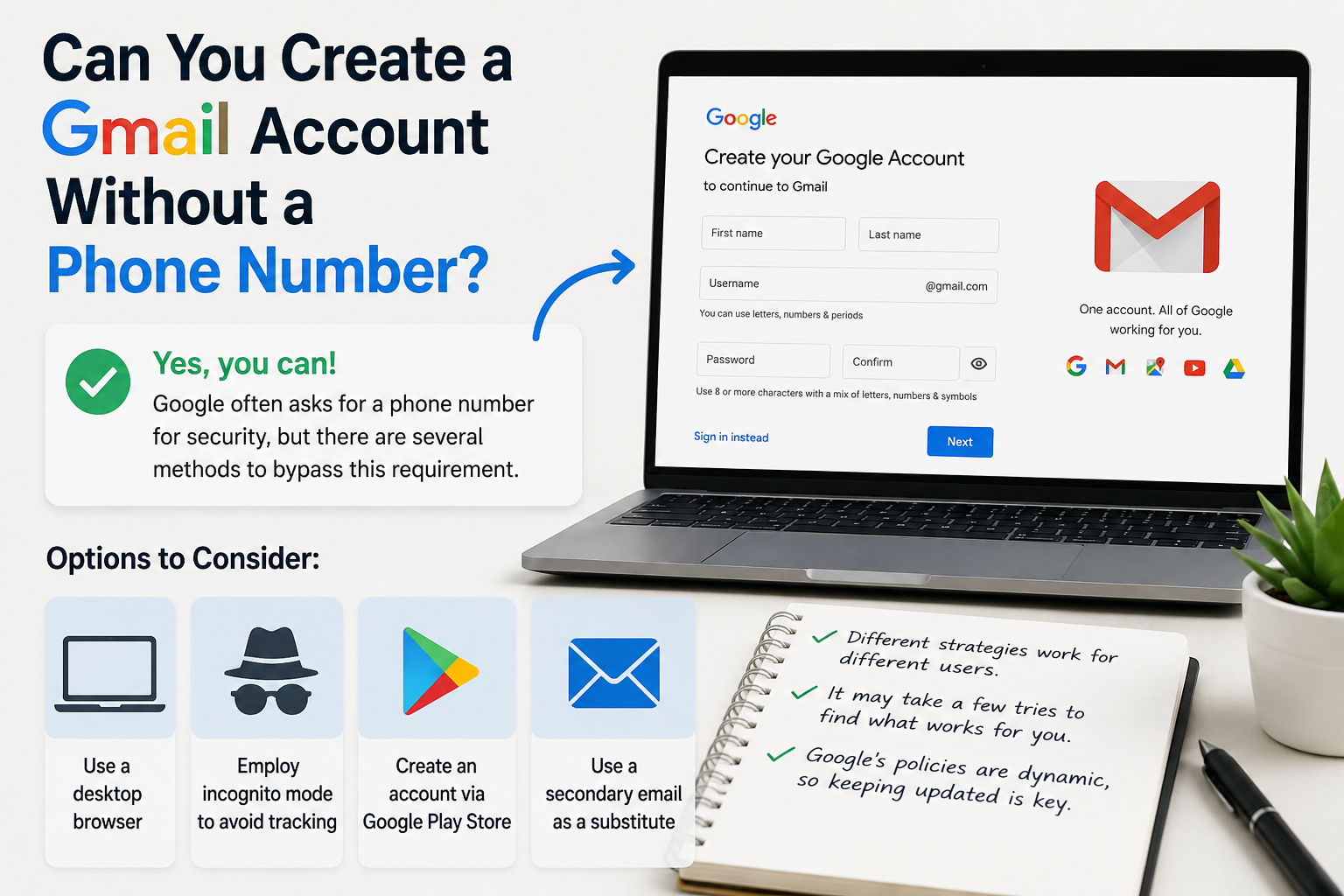
Google often requests a phone number for security purposes. However, several methods can bypass this requirement.
Methods That Allow Gmail Registration Without Phone Verification
Different strategies work for different users. It may take a few tries to find what works for you.
Common Alternatives to Phone Number Verification
Here are some options to consider:
- Use a desktop browser instead of mobile.
- Employ incognito mode to avoid tracking.
- Create an account via the Google Play Store.
- Use a secondary email as a substitute.
While not every method is foolproof, exploring these options could be beneficial. Google's policies are dynamic, so keeping updated is key.
Why Does Google Ask for a Phone Number?
Security Benefits of Linking a Phone Number
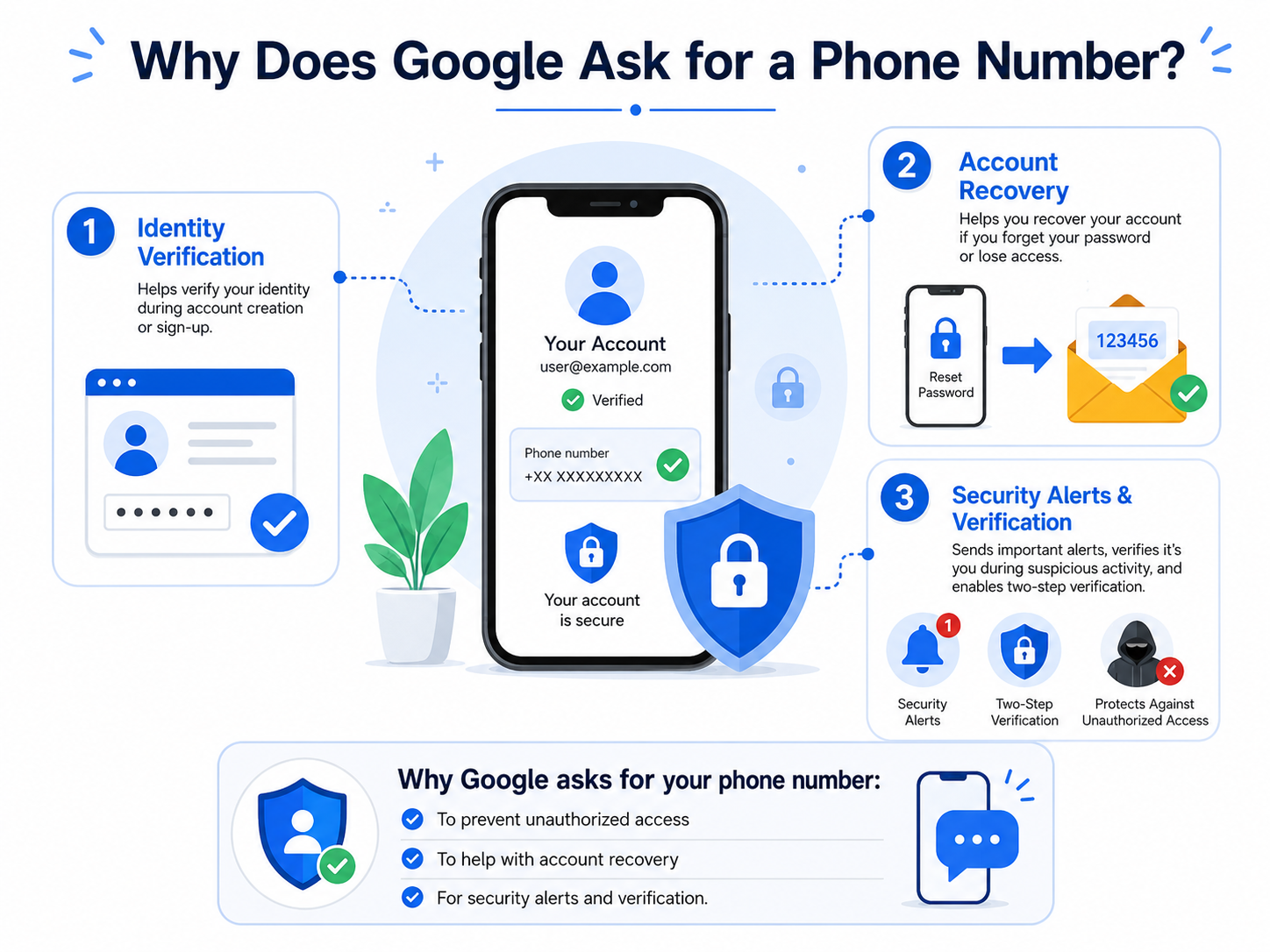
Google requests phone numbers for several reasons linked to security. A phone number helps verify your identity during account creation.
How Phone Numbers Help With Account Recovery
Providing a phone number boosts security and aids recovery if you forget your password. It acts as an extra layer of protection.
Here’s why Google asks for your phone number:
- To prevent unauthorized access.
- To help with account recovery.
- For security alerts and verification.
While some users prefer not to give their phone number, it’s wise to understand the security benefits. Balancing privacy with security needs is crucial.
Step-by-Step Guide: How to Create a New Gmail Account Without Phone Number
Creating a Gmail account without a phone number can be straightforward. We'll explore different methods that bypass the phone verification.
Start by choosing the right method based on your preferences and resources. Some approaches may be more effective than others.
Here's a summary of methods to try:
- Use a desktop browser.
- Employ incognito mode.
- Create through Google Play Store.
- Use a secondary email.
- Try VPN and change IP.
Be aware that Google's policies may change over time. Staying updated is crucial for success.
Do not forget to set up alternative security measures. Having robust account recovery options is vital for keeping your account secure.

Method 1: Using a Desktop Browser
How Desktop Browsers Can Reduce Verification Requests
Creating a Gmail account using a desktop browser may help avoid phone number requests. Here's how to proceed:
Start by clearing your browser cookies. This prevents Google from recognizing your previous activity.
Next, open the Gmail signup page on your browser. Follow the on-screen prompts and fill in your details.
Opt for "skip" when prompted for a phone number. Not all users see this option, but it's worth trying.
Here’s a quick summary:
- Clear browser cookies.
- Visit Gmail signup.
- Skip phone number prompt.

Be mindful that the availability of options can vary by location and time.
Method 2: Incognito Mode or Clearing Cookies
Why Incognito Mode Works for Gmail Signup
Using incognito mode in your browser might help bypass the phone number prompt. Incognito mode doesn’t save cookies or history.
Start by opening your browser in incognito mode. Navigate to the Gmail signup page and enter your account details.
If incognito mode doesn’t work, try clearing your cookies manually. Follow these easy steps:
- Open incognito mode.
- Go to Gmail signup.
- Enter details and skip phone number.
Clearing cookies might prevent Google from recognizing you, reducing the likelihood of a phone request.
Method 3: Creating via Android Device or Google Play Store
Using Android Setup to Create a Gmail Account
Creating a Gmail account through an Android device can be an option. Sometimes the Google Play Store doesn’t ask for a phone number.
Begin by opening the Google Play Store app on your Android device. Tap on "Add a new account" to start.
Fill in your information as prompted by the setup wizard. Use the option to "skip" the phone number section if available.
Key steps include:
- Open Google Play Store.
- Choose "Add a new account."
- Complete setup and skip phone number.

Method 4: Using a Secondary Email for Verification
Using an alternative email address can help verify your account without a phone number. Here's how it works:
During the account creation process, opt to verify with an email. Enter an email you already have access to.
This option might be less common, but it's effective if you see it. Here’s a quick rundown:
- Start Gmail signup.
- Choose "verify with email."
- Enter your secondary email.
This method ensures you still have verification security without a phone number.
Method 5: VPN and Changing IP Address
Can a VPN Help Avoid Phone Verification?
Using a VPN might help bypass the phone number request. A VPN changes your IP address, hiding your location.
Select a reliable VPN service and connect to a different server. Open a new browser window and go to Gmail's signup page.
The process is simple:
- Connect to a VPN.
- Change your IP address.
- Visit Gmail signup page.
Changing your IP can sometimes trick Google's systems, reducing the chance of a phone number request. Be cautious to ensure compliance with Google's terms of service.
Tips to Avoid Phone Number Requirement
To create a Gmail account without using a phone number, several strategies can increase your chances of success.
Firstly, try creating an account at different times. Off-peak hours might offer greater flexibility. Furthermore, using a browser on a desktop often provides more "skip" options.
Consider these tips to enhance your approach:
- Use incognito mode.
- Employ a secondary email.
- Switch between different browsers.
- Change your IP via a VPN.
Each of these strategies can help in bypassing the phone verification stage and smoothly completing the account creation process.
What to Do If Google Still Asks for a Phone Number
If Google persists in requesting a phone number, don't panic. There are still options available to you.
First, try using a different device or browser. Sometimes, a change in your setup can bypass the request.
Additionally, you can attempt another method from the strategies mentioned earlier. Here are some actions to consider:
- Use a secondary email instead.
- Wait and try at a different time.
- Ensure cookies and cache are cleared.
These alternatives offer ways to proceed, helping you potentially avoid providing a phone number.
Pros and Cons of Creating Gmail Without a Phone Number
Creating a Gmail account without a phone number has its advantages. Privacy is a significant benefit. Many users prefer keeping personal information offline.
However, there are drawbacks. Security features may be limited without a phone. This can pose risks if access issues arise.
Evaluating these pros and cons is essential before deciding:
- Pros:
- Enhanced privacy.
- Avoid spam calls.
- Cons:
- Reduced security options.
- Potential challenges with account recovery.
Assess your priorities carefully. Make an informed decision best suited to your needs.

Security and Privacy Considerations
Balancing Privacy and Account Security
Creating a Gmail account without a phone number impacts both security and privacy. While it enhances privacy, it can limit security features.
Think about account recovery. Without a phone, options may be fewer if you forget your password. Make sure to set alternative recovery methods, like a backup email.
For privacy, remember that Google uses data responsibly. Always evaluate the balance between security and convenience:
- Be cautious with alternative methods for verification.
- Regularly update recovery details.
- Review Google’s privacy policies for informed decisions.
Frequently Asked Questions (FAQ)
Can you create a Gmail account without a phone number?
Yes, it's possible. Several methods can help bypass the phone number requirement.
Why does Google ask for a phone number initially?
Phone numbers enhance security and assist in account recovery.
Is using a temporary phone number a good idea?
It may work, but violates Google's terms and poses security risks.
Will not providing a phone number limit account features?
Possibly. Some features and security options may require a phone number.
What alternatives can I use for account verification?
You can use a backup email or attempt creating accounts via desktop browsers.
How to handle Google asking for a phone number later?
Consider providing a phone number then, or explore backup recovery options.
Conclusion
Creating a Gmail account without sharing a phone number is possible with the right steps. Employing methods like using a desktop browser or activating incognito mode can help.
However, always weigh the pros and cons. Not providing a phone number could impact your account's security and recovery options. Stay updated with Google's policies to ensure your strategies remain effective and compliant.
Related Blogs

Scaling a YouTube channel from a side project into a major marketing asset is a high-stakes endeavor. You need rapid growth to capture the algorithm's attention, but aggressive tactics can trigger YouTube's sophisticated detection systems, putting your entire channel at risk. The central challenge for every ambitious marketer is how to push the boundaries of growth without crossing the line into[…]
.png)
Hidemyacc is an Antidetect Browser software designed to protect users from online threats. It offers robust security features and anti-phishing measures, enabling users to create and manage multiple virtual accounts safely and efficiently.In terms of pricing, Hidemyacc is comparable to Hidemium. But does Hidemyacc truly meet expectations in terms of features and quality like Hidemium? Let’s[…]

Need to use multiple accounts or storefronts to service your online business? But usually, this will cause many dangers because of browser fingerprinting problems. So is there a way to optimize the management of these multiple accounts?Benefits of running multiple accounts Social networking and e-commerce platforms have become extremely popular in today’s internet world, and the trend of making[…]
.png)
You are wondering How to increase views on Etsy? As a seller, it can be frustrating when your products aren't getting any traffic — especially when you know they have potential. Don't worry! There are ways to help Your Etsy shop attracts potential customers and improve visibility.Whether you are a beginner or a seasoned veteran, understanding how to increase views on Etsy is an important factor[…]
.png)
Facebook Ads Library is an essential tool for advertisers looking to reach the right audience. It aggregates and displays all active ads on Facebook, making it easier for users to track and study campaigns. In this article, Antidetect Browser Hidemium will delve into Facebook Ads Library, its key features, and how to make the most of it to optimize your marketing strategy.1. What is Facebook Ads[…]

Did you know? More than 25% of professional eBay sellers are using multiple accounts to increase revenue, spread risk, and avoid permanent bans. However, managing multiple eBay accounts without getting caught is a major challenge—unless you have the right tools.If you are really interested in multi-account eBay, selling anonymously or implementing dropshipping at scale, you've probably[…]
