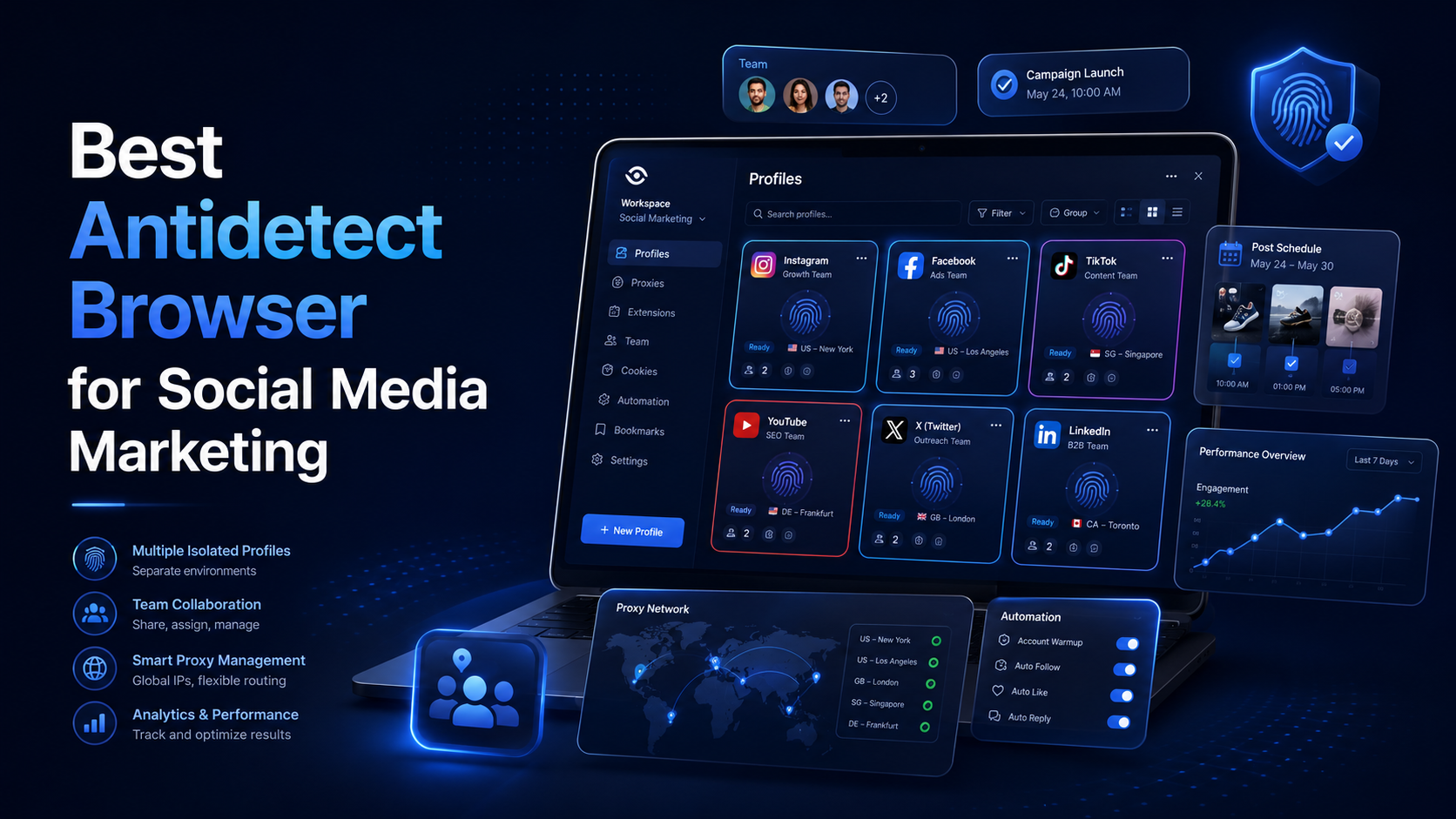

Best Antidetect Browser for Social Media Marketing
Social media marketing is no longer limited to publishing content on one Facebook or Instagram account. Agencies and in-house marketing teams may manage several brands, regional pages, advertising accounts, content calendars, and client workspaces at the same time.
This creates an operational challenge. When multiple accounts are opened in the same standard browser, employees may accidentally publish content under the wrong brand, mix cookies, lose login sessions, or share passwords insecurely.
An antidetect browser for social media can help separate these working environments.
Each browser profile can store its own cookies, login sessions, extensions, proxy settings, and browser configuration. In a legitimate social media workflow, the software is mainly used to organize account access, maintain stable sessions, and reduce mistakes between clients or brands.
There is no universal best antidetect browser for every marketing team. The right choice depends on the number of authorized accounts, team size, target markets, proxy requirements, budget, and level of automation.
What Is an Antidetect Browser for Social Media?
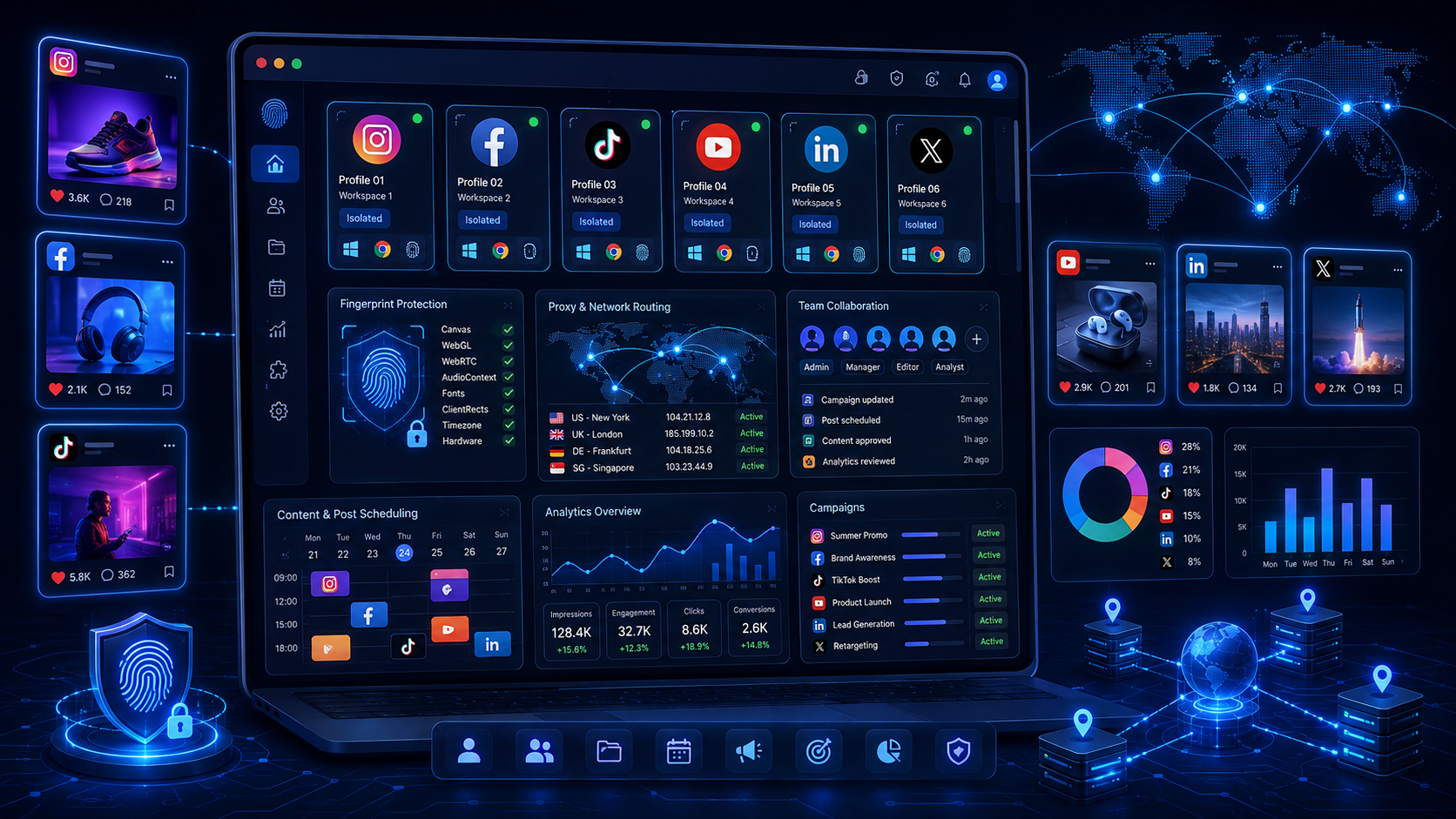
An antidetect browser is software that allows users to create multiple independent browser environments on one computer or within a centralized workspace.
Each browser profile usually stores separate:
- Cookies and local storage;
- Active login sessions;
- Browsing history;
- Browser extensions;
- Proxy and IP settings;
- Language and time zone;
- User agent and fingerprint parameters;
- Notes, tags, and team permissions.
For example, an agency may create one profile for a fashion brand’s Facebook and Instagram accounts, another for a cosmetics client’s TikTok workspace, and a third for a furniture store’s Pinterest account.
When an employee opens the fashion brand profile, the browser loads the cookies and login session associated with that client. When they switch to the cosmetics profile, the two environments remain separated.
This structure can reduce operational mistakes and make account handovers easier.
However, an antidetect browser does not replace the official access controls provided by social media platforms. Meta, TikTok, Pinterest, and other services offer their own business-management and permission systems.
A responsible workflow combines two layers:
- Official platform permissions for account ownership and employee access;
- Separate browser profiles for organizing daily work.
Why Social Media Teams Use Antidetect Browsers
Separate Workspaces by Brand or Client
A social media manager may move between several Pages, Instagram accounts, TikTok channels, advertising dashboards, and analytics platforms during one working day.
When all accounts are opened in the same browser profile, the risk of mistakes increases. An employee may publish a post under the wrong brand, reply to a customer using the wrong tone of voice, or edit a campaign belonging to another client.
A dedicated browser profile makes each working environment easier to identify.
A common naming structure is:
Client – Platform – Market – Assigned Employee
For example:
Brand A – TikTok – US – Anna
Teams can also organize profiles using folders and tags such as:
- Organic Content;
- Paid Social;
- Community Management;
- Client Review;
- Archived.
Clear profile names and folders are often more valuable than highly technical fingerprint customization.
Maintain Stable Login Sessions
Frequently clearing cookies, changing devices, or logging in from several browser environments can interrupt the workflow with repeated verification requests.
A stable browser profile preserves cookies, extensions, and active sessions. Employees can return to the same environment instead of rebuilding it every day.
Consistency is important. The proxy location, time zone, language, operating system, and browser version should form a reasonable configuration.
Constantly changing fingerprint settings does not automatically improve account stability. In many legitimate workflows, a consistent environment is easier to manage.
Reduce Direct Password Sharing
Some teams still send passwords through email, chat applications, or shared spreadsheets. This creates security and accountability problems, especially when an employee leaves a project.
Browser-profile sharing can provide access to an existing environment without distributing the password to every team member.
However, this should not replace essential security practices. Businesses should continue to use:
- Official employee permissions;
- Two-factor authentication;
- Unique passwords;
- Company-managed email accounts;
- Secure recovery procedures;
- Regular access reviews.
When a team member changes roles, their access should be removed from both the social platform and the browser workspace.
Manage Multiple Regional Markets
International brands may maintain separate social accounts for the United States, the United Kingdom, Germany, Canada, or Southeast Asia.
The marketing team may need to review localized content, advertising, pricing, landing pages, languages, and customer experiences in each market.
An antidetect browser can assign a specific proxy to each profile. For example, a profile used for UK quality assurance may be configured with a suitable UK proxy.
A proxy and a browser profile serve different purposes:
- The proxy controls the network connection and visible IP address;
- The browser profile stores cookies, sessions, extensions, and browser settings.
Poor alignment between these elements may create an inconsistent environment. HideProxy’s Proxy Setup for Antidetect Browsers: A Practical Checklist explains how to select a proxy, test its connection, and match network settings with a browser profile.
Improve Team Collaboration
A social media agency may include content creators, community managers, media buyers, designers, account managers, virtual assistants, and team leaders.
Not every employee needs access to every client.
A community manager may only require access to profiles used for comments and direct messages. A media buyer may need advertising dashboards but not organic content accounts. A designer may not need account access at all.
An antidetect browser with folders, roles, and profile-level permissions can support this structure.
The principle of least privilege should be applied: each person receives only the access needed for their responsibilities.
Support Account Handovers
Employee transitions can be disruptive when sessions are stored on personal devices.
A centrally managed browser profile can make the handover process more structured. The administrator can remove one employee, assign the profile to another, and preserve the existing browser environment.
The team should still document:
- Profile owner;
- Assigned employee;
- Connected platform;
- Recovery method;
- Two-factor authentication process;
- Client approval status;
- Date of the latest access review.
A browser tool works best when combined with clear internal documentation.
Automate Repetitive Browser Tasks
Some low-risk activities can be automated, including:
- Opening assigned profiles;
- Testing proxy connections;
- Accessing internal dashboards;
- Preparing workspaces for employees;
- Checking approved landing pages;
- Collecting authorized internal data;
- Generating profile-status reports.
Automation should not be used for spam, fake engagement, mass unsolicited messaging, CAPTCHA bypassing, or attempts to avoid platform enforcement.
Publishing and engagement automation must follow the terms and technical limits of each platform.
How to Choose the Best Antidetect Browser for Social Media
1. Profile Isolation
Cookie, cache, local storage, and login data must remain separate between profiles.
This is the most important requirement. A platform with many fingerprint settings is not useful if profiles frequently lose sessions or mix data.
Test the software with several real working profiles before deploying it across the entire agency.
2. Session Stability
A good platform should retain sessions reliably and load profiles without frequent errors.
During a trial, evaluate:
- Login-session retention;
- Profile launch speed;
- Browser responsiveness;
- Extension compatibility;
- Cloud synchronization;
- Profile handover between computers;
- Recovery after an interrupted connection.
A complete content or campaign cycle provides a better test than a few minutes of initial use.
3. Fingerprint Consistency
A browser fingerprint should be technically reasonable.
A profile using a US proxy should not continuously switch between unrelated locations, languages, operating systems, and time zones without a valid reason.
Beginners should prioritize reliable defaults instead of manually changing every Canvas, WebGL, AudioContext, and user-agent parameter.
More customization does not always produce a better environment.
4. Proxy Management
A suitable antidetect browser should allow users to:
- Assign one proxy to each profile;
- Test the IP before launching;
- Support HTTP, HTTPS, and SOCKS5;
- Import or edit proxies in bulk;
- View connection status;
- Update authentication details;
- Display the IP country or region.
For a social account that requires a long-term login session, a stable connection is generally easier to manage than constant IP rotation.
Rotating proxies may be more suitable for certain authorized research or testing tasks rather than regular account administration.
5. Team Permissions
Agency teams should look for:
- Administrator and employee roles;
- Client folders;
- Profile-level access;
- Restrictions on editing or deletion;
- Access revocation;
- Activity records;
- Profile transfers;
- Controls for proxy and fingerprint settings.
For example, an employee responsible for publishing content may need permission to open the profile but not to change its proxy or delete the environment.
6. Automation and API Support
Not every team needs automation.
A small agency may only need isolated profiles and profile sharing. A larger organization may benefit from RPA tools or APIs that integrate with Selenium, Puppeteer, Playwright, or an internal system.
Before purchasing an advanced plan, define the exact automation requirement.
Paying for API access is unnecessary when the team has no technical employee, no documented process, and no low-risk task ready to automate.
7. Support for Mobile-First Platforms
TikTok, Instagram, and other social networks include features that are designed primarily for mobile applications.
A desktop antidetect browser may not reproduce every feature of a physical smartphone.
When a workflow depends on mobile-only functions, the business may also require:
- Company-managed smartphones;
- Mobile device management;
- Approved cloud-device solutions;
- Official scheduling tools;
- Platform-supported publishing software.
Browser profiles are most suitable for web-based operations such as Business Center, Ads Manager, account administration, content review, and reporting.
8. Device Performance
Each active browser profile consumes CPU and memory.
Teams that open many profiles simultaneously should test the software on the same computers used by employees. A feature-rich platform may still be unsuitable if it slows down campaign optimization, reporting, or customer support.
Test performance while using other common tools such as design software, spreadsheets, video meetings, and analytics dashboards.
9. Total Operating Cost
The subscription price is only one part of the cost.
A complete calculation should include:
- Number of profiles;
- Number of team members;
- Proxy services;
- Cloud synchronization;
- Automation features;
- Employee training;
- Administrative time;
- Technical support;
- Migration work.
A more expensive platform may provide better value if it reduces errors and saves management time.
Best Antidetect Browsers for Social Media Marketing
1. Multilogin – Suitable for Mature Organizations
Multilogin provides isolated browser profiles, proxy support, team access, and automation through APIs and popular browser frameworks.
It may be suitable for:
- Large agencies;
- Technical teams;
- Businesses with formal access policies;
- Organizations integrating profiles with internal systems.
Its mature feature set can support complex workflows, but its cost and technical depth may exceed the needs of freelancers and small agencies.
2. AdsPower – Strong for Bulk Operations
AdsPower focuses on multi-profile management, team collaboration, activity records, batch operations, and RPA.
It may suit:
- Teams managing many profiles;
- Agencies with repetitive workflows;
- Organizations requiring activity tracking;
- Users who want no-code automation options.
The interface contains many features, so employee training may be required. Automation should also be tested on a limited group of profiles before wider deployment.
3. GoLogin – Accessible for Small Teams
GoLogin provides browser profiles, proxy options, cloud launching, profile sharing, and API support.
It may be appropriate for:
- Freelancers;
- Virtual assistants;
- Small agencies;
- First-time antidetect browser users;
- Teams without complex automation requirements.
Its relatively accessible interface can shorten the learning process. Larger organizations should evaluate profile limits, administrative controls, and permission options carefully.
4. Hidemium – A Balanced General-Purpose Option
Hidemium combines browser profile management, proxy configuration, teamwork, and automation in one platform.
It may suit growing agencies that need to separate client environments, assign profiles to employees, and introduce automation gradually.
Its balanced feature set can be useful for teams that do not want to build several separate systems. However, small teams managing only a few accounts may not need all available functions.
5. Dolphin Anty – Suitable for Paid Social Teams
Dolphin Anty is oriented toward multi-account advertising and performance marketing workflows.
It supports profiles, proxies, team sharing, API access, and scenario-based automation.
It may suit:
- Media buyers;
- Paid social teams;
- Affiliate teams;
- Performance marketing agencies;
- Organizations with advertising-heavy workflows.
A team focused mainly on content publishing and community management may not require its complete feature set.
Quick Comparison
| Tool | Main Strength | Best Suited For | Ease of Use |
|---|---|---|---|
| Multilogin | Mature infrastructure and technical integrations | Large agencies and technical teams | Moderate to advanced |
| AdsPower | RPA, activity logs, and bulk operations | Teams managing many profiles | Moderate |
| GoLogin | Accessible setup and cloud profiles | Freelancers and small teams | Easy |
| Hidemium | Balanced profile, proxy, team, and automation features | Growing agencies | Moderate |
| Dolphin Anty | Advertising-oriented workflows | Paid social and performance teams | Easy to moderate |
The table is intended as a starting point. Real-world testing should evaluate session stability, proxy performance, permissions, resource usage, and employee adoption.
Can an Antidetect Browser Prevent Account Restrictions?
No software can guarantee that a social media account will never be restricted.
Platforms may evaluate:
- Account ownership;
- Published content;
- Advertising activity;
- Payment information;
- Engagement behavior;
- Business verification;
- User complaints;
- Security history;
- Policy compliance.
An antidetect browser only separates browser environments. It cannot make a prohibited activity compliant or replace an official verification process.
Businesses should use Meta Business Portfolio, TikTok Business Center, and other official permission systems whenever available.
How to Implement an Antidetect Browser Safely
Begin by creating an inventory of every social account, Page, channel, advertising account, and client asset the business is authorized to manage.
Create a consistent profile naming system:
Client – Platform – Market – Employee
Assign one primary owner to each profile. Avoid allowing several employees to open the same profile simultaneously unless the software explicitly supports it.
Enable two-factor authentication and use company-managed email addresses. Keep recovery codes in a secure password manager rather than browser notes visible to the entire team.
Maintain a stable proxy, language, location, and time-zone configuration. Avoid unnecessary changes.
Begin with a small test group and monitor:
- Session retention;
- Proxy stability;
- Profile launch speed;
- Memory consumption;
- Employee mistakes;
- Profile handovers;
- Permission revocation;
- Technical support quality.
Expand only after the process is reliable.
Conclusion
Choosing the best antidetect browser for social media depends on team size, account structure, security requirements, and workflow complexity.
Multilogin may suit mature technical organizations. AdsPower is strong for RPA and bulk management. GoLogin is accessible for smaller teams. Hidemium offers a balanced general-purpose feature set, while Dolphin Anty is closely aligned with paid social workflows.
Regardless of the tool selected, follow three principles:
- Manage only accounts the business is authorized to access;
- Use official platform permissions whenever possible;
- Maintain stable, secure, and documented browser environments.
An antidetect browser should support organized social media marketing operations, not function as a way to bypass platform policies.
Frequently Asked Questions
What Is the Best Antidetect Browser for Social Media Marketing?
There is no universal best platform. The right option depends on team size, account volume, technical requirements, permissions, proxy support, and budget.
Does a Small Agency Need an Antidetect Browser?
Not always. Official platform access, standard Chrome profiles, a password manager, and two-factor authentication may be sufficient for a small number of accounts.
Does an Antidetect Browser Replace a Proxy?
No. A browser profile stores session and browser data, while a proxy controls the network connection and visible IP address.
Should Social Media Accounts Use Rotating Proxies?
Stable connections are generally more practical for long-term account administration. Rotating proxies may be better suited to certain authorized research or testing activities.
Can an Antidetect Browser Prevent Account Suspension?
No. Account status also depends on content, verification, advertising activity, payments, user behavior, and platform policies.
What Should a Team Test Before Purchasing?
Test profile isolation, session stability, proxy management, team permissions, mobile-workflow support, automation, device performance, technical support, and total operating cost.
Related Blogs
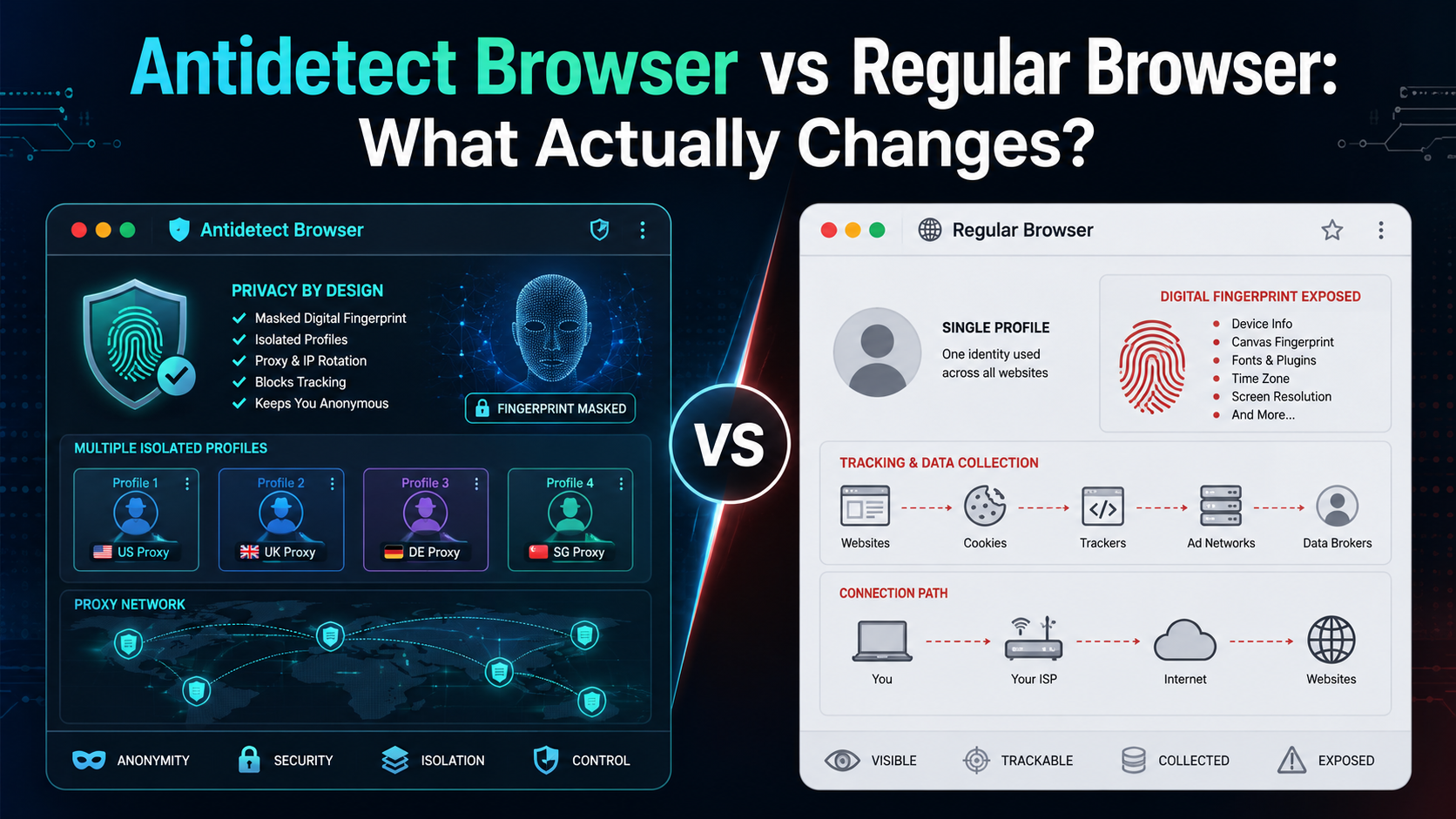
If an antidetect browser looks almost the same as Chrome, Firefox, or Edge, what actually makes it different?The biggest difference is not how websites look or how fast pages load. It is how the browser manages your digital environment.A regular browser is designed mainly for everyday browsing. An antidetect browser is designed to create and manage multiple isolated browser profiles, each with[…]

What is iTop VPN? iTop VPN is a service virtual private network (VPN) that helps protect identity, protect privacy, and increase security when accessing the Internet. This service encrypts access data and hides users' IP addresses, thereby avoiding tracking and overcoming geographical restrictions. In this article, Antidetect Browser Hidemium will guide you in detail Outstanding[…]
When applied correctly, the 10 Antidetect Browser tips not only significantly reduce the risk of account restrictions but also enhance stability in multi-account management. Close synchronization between browser fingerprints, IP addresses, and access behavior helps platform AI systems assess activity as more natural.In addition, these techniques optimize marketing operations, save management[…]
.png)
In the online business and social network management environment, using multiple accounts on the same platform such as Facebook, Twitter or Amazon is a common need. Ghost Browser was born as a convenient solution, helping users easily manage multiple accounts in a single browser interface. This article Hidemium will explain what Ghost Browser is, why it has become the favorite choice of many[…]

In the digital era, making money online (MMO) has become a popular trend, offering flexible and accessible opportunities for everyone. Whether you want to earn extra income or build a long-term business, there are always suitable options available. However, for beginners, the abundance of information can be overwhelming. Don’t worry! This article will guide you through 22 practical ways to make[…]
Best Kameleo Alternative in 2026: From Fingerprint Testing to Real Account OperationsThe best Kameleo alternative in 2026 is Hidemium for teams that need more than browser fingerprint testing. Hidemium is a practical browser profile platform for managing profiles, proxies, workspaces, team access, and scalable account operations in one organized system.Kameleo can be useful for users focused on[…]
