The secret to managing multiple Gmail accounts simultaneously

Gmail is a free email client provided by Google. On average, each person will have at least 1 Gmail account to serve work or log in to necessary social networking platforms such as Facebook, TikTok, Instagram, etc. However, Gmail accounts are easy to manage if you only use one account. But what if you own multiple Gmail accounts at the same time? If you still don’t know how to handle this ironic situation, follow the article to learn how to manage multiple Gmail accounts simultaneously!

Open Gmail with different browsers
It is probably the most common way to manage multiple email accounts that most people know. You can open multiple browsers simultaneously, such as Chrome, Coc Coc, Microsoft Edge, etc., so you can log in to many different accounts simultaneously.
Another small tip is to use the incognito tab to log in. It would help if you pressed Shift+Ctrl+N to open an anonymous account. However, when using the incognito tab, your password will not be saved, and each time you will have to log in from the beginning.
Use the Google Multiple Sign-In feature
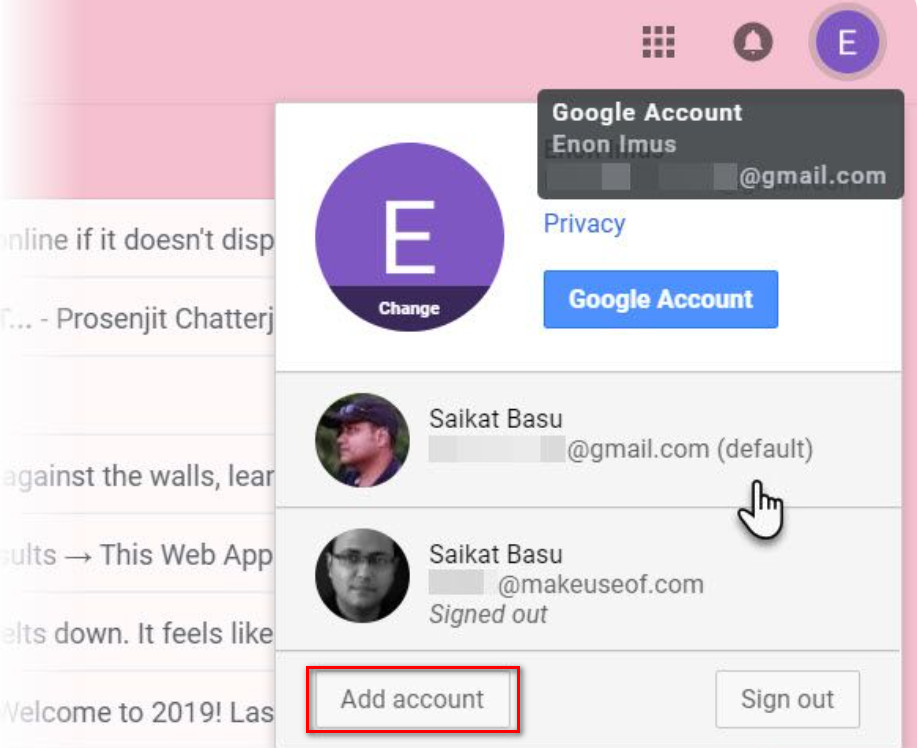
Google’s Google Multiple Sign-In feature allows you to sign in to multiple accounts on the same browser. You can log in to your primary Gmail account. Then, click on the icon in the right corner of the screen to choose another account. Finally, you need to open a new tab and log in to your different accounts one by one. It can be said that using the Google Multiple Sign-In feature is one of the best ways to manage multiple email accounts at the same time.
This feature has been around for quite some time. However, it is one of the most convenient and easy methods to implement because it does not take too much of your time. You should consider this feature if you simply manage a handful of Gmail for studying and working.
Manage Gmail with Google Chrome’s Account Switcher
This method is also relatively effective if you want to manage multiple Gmail accounts simultaneously. Follow these steps to start managing your accounts:
- Open google chrome
- Then click on the icon in the right corner of the screen
- Next, click add
- Select sign in
- Next, sign in to your Google account
After successful login, chrome will open a new window and separate browser session. Remember to select sync mode for your google account so you can back up and access new tags, so bookmark other pages on your other accounts.
Add an Email account and forward it to the main Gmail account
Besides the ways mentioned above, there is another way for you to manage multiple Gmail accounts simultaneously. With the operation of adding an Email account and forwarding it to the main Gmail account, you can manage multiple email accounts on one original Gmail account simultaneously. Specifically, the steps will be performed in the following order:
- Access to secondary Gmail accounts that you need to use.
- Next, choose the settings.
- Choose to see all settings.
- Click the Forwarding POP/IMAP tab.
- Add a forwarding address and enter the destination email.
- Then select Next and confirm that the verification code has been sent to the destination email address.
- Proceed to enter the verification code
- Select verify to verify the forwarding address
- Click Forward a copy of incoming mail to your target account (also, you can choose what happens to the composition of the email in the source account).
Hidemium software

You can understand Hidemium, an account-raising software. With this application, you can feed batch profiles of Gmail and other accounts such as Facebook, Twitter, Blogger, etc. This is a great support tool if you are looking for a way to manage multiple email accounts from one place.
Hidemium has many outstanding features, such as:
- Log in to multiple accounts at the same time.
- At the same time, you can use multiple profiles on your computer without fear of having the same IP.
- You can save a cookie profile and easily log in the next time you work with a previously stored profile.
- Hidemium does not limit the number of runs and is very easy to manage and use.
Hidemium is at the top of the best applications for managing multiple email accounts simultaneously. If you are having trouble with this, don’t hesitate to try the free 7-day Hidemium plan now!
Through the above information, do you know how to manage multiple Gmail accounts simultaneously? We have listed many different methods, and you are free to choose the one that works for you. If you have questions, you can immediately pick up the phone and call our hotline for assistance.
Related Blogs

Did you know? More than 25% of professional eBay sellers are using multiple accounts to increase revenue, spread risk, and avoid permanent bans. However, managing multiple eBay accounts without getting caught is a major challenge—unless you have the right tools.If you are really interested in multi-account eBay, selling anonymously or implementing dropshipping at scale, you've probably[…]

How to Create Gmail Accounts in Bulk Without Checkpoint 2025 — Step-by-Step Guide⚠️ Note: Managing multiple accounts must comply with each platform's Terms of Service. Hidemium supports managing multiple legitimate profiles for marketing, affiliate, and professional business purposes.In the digital age, owning multiple Gmail accounts is not only a personal need but also a vital factor for[…]
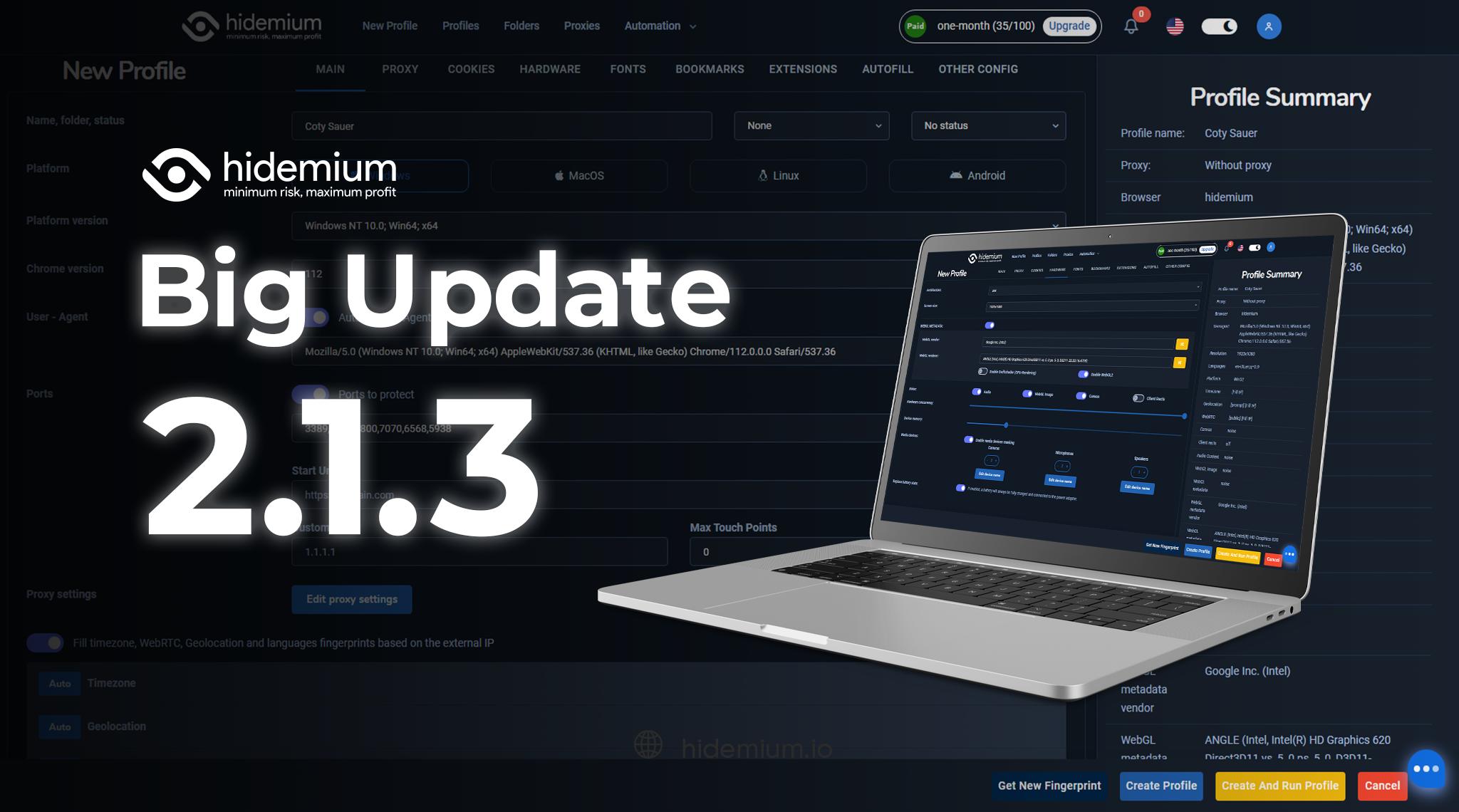
We are proud to announce our Big Update: New Browser Core Versions of Hidemium of 2.1.3! Previous versions will automatically update to this version without interrupting your work ✅ More advanced configuration options in the “new profile” screen Download link: antidetect #hidemium #antidetectbrowser
South Indian cinema has taken the world by storm — from the jaw-dropping visuals of Kollywood blockbusters to the gripping storytelling of Tollywood and Sandalwood productions. As demand for regional Indian content skyrockets globally, millions of fans actively search the web for the latest releases. For many, accessing certain platforms becomes a frustrating experience due to regional network[…]
 (1).png)
Dropshipping has become one of the most popular dropshipping business models due to its ability to reduce storage and operational costs. This is particularly appealing for new startups. But the key question is: which platform should you choose to start your business journey?Among the many platforms available today, eBay and Amazon are two prominent names, highly regarded for their professionalism[…]
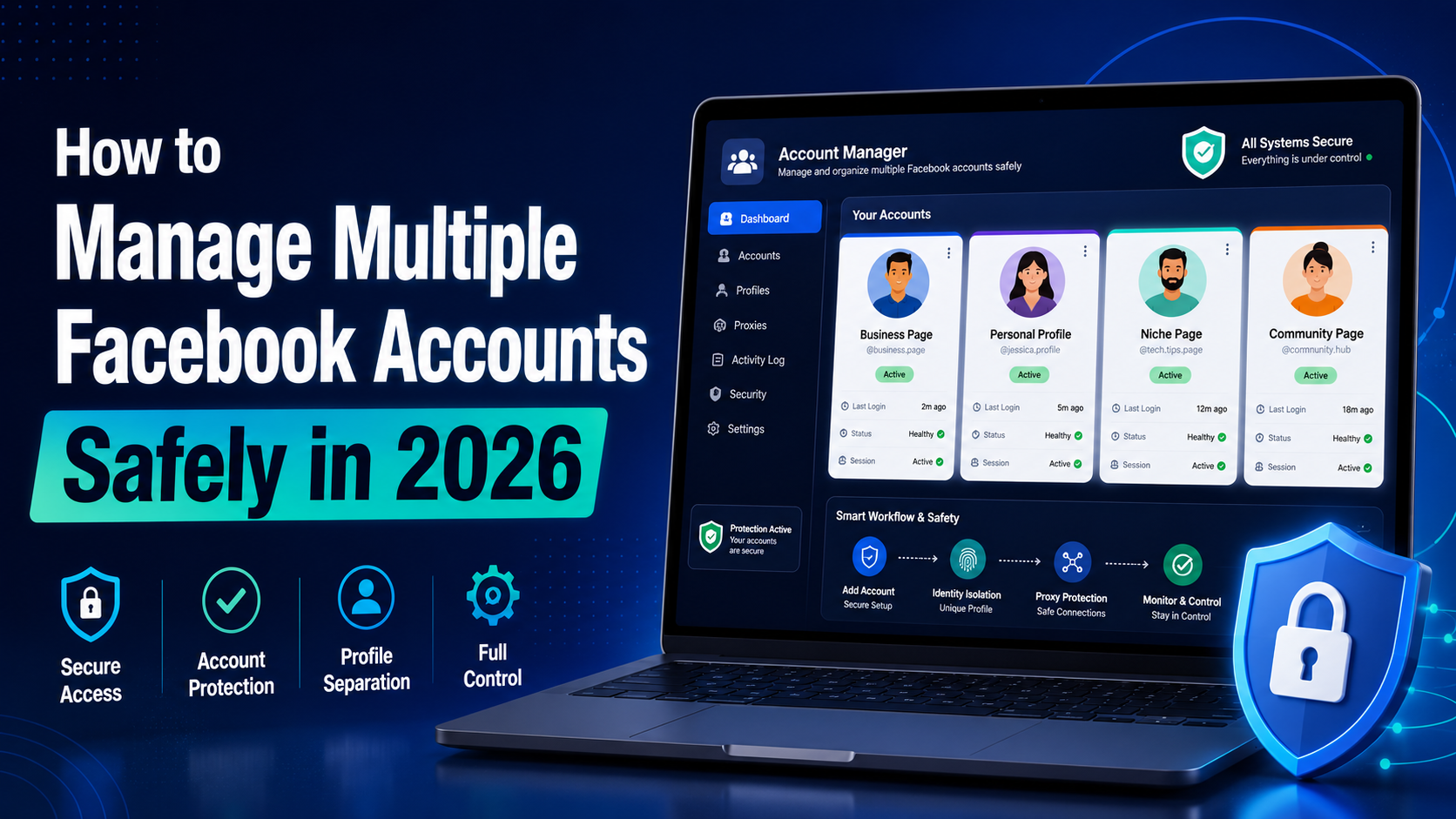
In 2026, Facebook remains one of the most powerful platforms for digital marketing, e-commerce, and social media management. Whether you're a media buyer running multiple ad campaigns, a social media manager handling client accounts, or a marketer practicing Facebook account farming to scale your operations, managing multiple Facebook accounts safely has never been more critical — or more[…]
