
Vmcard2025: Enterprise Card Issuing for Multi-Account Success
When you open new ad accounts, subscribe to AI/SaaS tools, scale cloud resources, or verify stores, payment failures can derail the plan: card binding fails, extra 3DS checks pop up, renewals don’t charge. Most of the time it isn’t a random glitch—it’s the merchant’s risk engine asking for better signals. This article explains the common payment-side causes and gives you a practical, copy-and-run playbook to raise your success rate.
Who is this for
• Performance marketing teams running FB/Google/TikTok at scale
• Store operators and cross-border sellers managing many properties
• AI/SaaS users who rely on stable recurring payments
• Devops teams paying for cloud and usage-based services
Why payments fail (payment-side only)
BIN / region / currency mismatch between card and merchant settlement, which raises risk weighting and triggers 3DS/step-up checks.
Incomplete or inconsistent billing data: name, billing address, and ZIP/Postal (AVS) missing or mismatched.
Aggressive first transaction: a new account with a large amount or rapid retries is treated as higher risk.
One card, many accounts/merchants in a short window, stacking risk signals.
High refunds/voids or frequent “soft declines” (insufficient balance), which invite more checks or lower trust.
Unstable recurring charges: balance not ready on billing day, repeated failures push the account into strong verification.
How to Get Started:
Sign Up – Register your account on Vmcard within minutes.
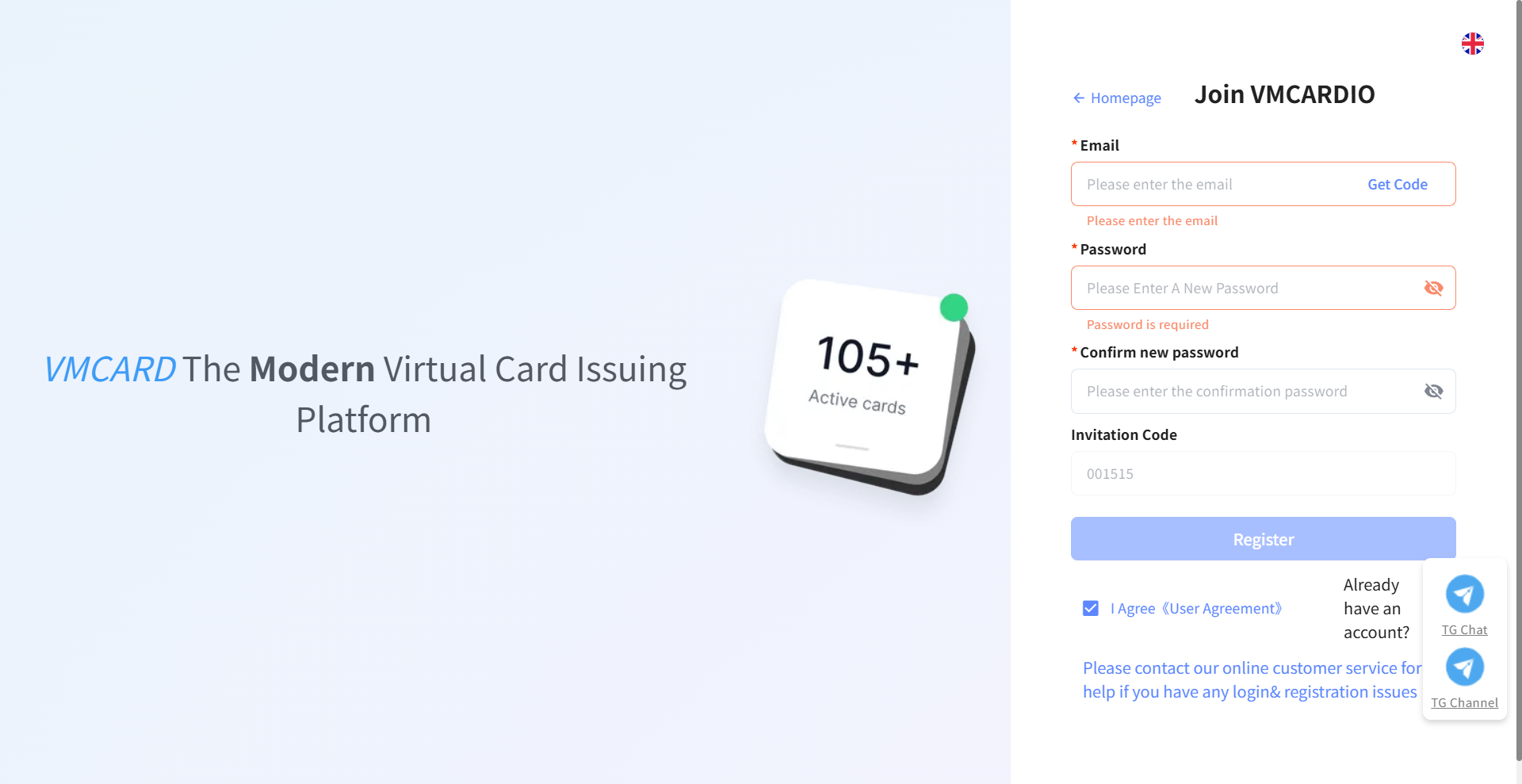
KYC Verification – Complete identity verification to activate your account securely.

Three Vmcard formats for affiliates
· Debit cards – Individual cards with their own balances; map 1:1 to specific ad accounts for long-running, steadily scaling funnels.
· Credit cards – Multiple cards drawing from a shared wallet limit; set per-card daily/weekly/monthly caps and reallocate budget on the fly for team campaigns.
What Vmcardchanges
• Scenario-matched BIN matrix: purpose-built card ranges for ads, subscriptions, cloud, and store verification to improve bind and authorization pass rates.
• Segmented card pools and policies: structure cards by business line/country/merchant type, set billing data, limits, and whitelists to reduce profile jumps.
• Step-up friendly limits: configurable “small-first, then ramp” model that lowers 3DS frequency as trust builds.
• Pre-auth and recurring stability: test with small pre-auth, keep cushions before billing, and switch to backup cards on first failure.
• Bulk and automation: batch issuance, batch limits, and an open API to plug card lifecycle into your internal tools and RPA.
• Enterprise controls: roles/permissions, audit trails, and per-line reporting for finance and ops.
• Pay-only model: top up and spend; no incoming payments. Clearer ledgers, simpler control, and easier compliance.
Three-step playbook to cut failures
Step 1 — Align billing
Complete name, billing address, and ZIP/Postal immediately after issuance. Align with the merchant’s settlement country when possible. Prefer same-currency settlement.
Step 2 — Bind and first charge, start small
Run a $1–$3 pre-authorization. If the same card fails up to 2 times, switch to a better-matched BIN instead of stacking more failed attempts. Use a staged curve:
Day 1: $5–$20 test
Day 3–5: $50–$200 (depending on merchant and account weight)
Week 2+: ladder up daily/weekly limits; run a small probe charge before each step-up.
Step 3 — Make recurring charges boring
Maintain a balance cushion ≥ 3× the recurring fee by the day before billing (T-1). If the first charge fails, immediately swap to a backup card to avoid a second failure that can trigger strong verification.
Scenario recipes (examples)
• New ad accounts: ads-oriented BINs + low initial limits + weekly ramp; prioritize stable authorization, minimize refunds.
• AI/SaaS subscriptions: subscription-friendly BINs + recurring safeguards + T-1 balance cushion to avoid renewal-day surprises.
• Cloud expansion: pre-auth-friendly BINs + staged capacity increases + a small probe before each limit raise.
• Store verification / payment tools: pre-auth-friendly BINs + “one card, one purpose” to reduce random audits.
Common pitfalls to avoid
• Brute-forcing retries: stacked failures only push risk scores higher.
• One card for every platform: cross-scenario use creates profile jumps that invite step-ups.
• Big first ticket: large amounts on a new account are a red flag.
• Treating refunds as routine: frequent original-route refunds attract attention—use internal credits/vouchers when possible.
Why teams choose VMCard
• Higher pass rates: scenario-matched BINs and policy controls improve binds, auths, and recurring stability.
• Faster cycles: real-time top-ups and streamlined issuance shorten the path from test to scale.
• Built to scale: API + bulk ops + segmented pools = structured growth without chaos.
• Audit-ready: roles, logs, and line-level reporting keep finance, risk, and ops aligned.
Quick checklist
[ ] Complete billing name, address, ZIP/Postal to match the merchant’s country
[ ] Run a $1–$3 pre-auth; if it fails up to 2 times, switch BINs
[ ] Day 1 small test → Day 3–5 step up → Week 2 ladder limits with probe charges before each step
[ ] Keep ≥ 3× the recurring fee by T-1; swap to a backup card on the first failed renewal
[ ] One card, one use: bind each card to 1–2 accounts/merchants max
[ ] Prefer internal credits/vouchers over original-route refunds when feasible
FAQ
Q: Why does card binding keep failing?
A: Most often billing data is incomplete/mismatched, or the BIN doesn’t fit the merchant’s region/currency. Complete billing data, switch to a better-matched BIN, and run a small pre-auth.
Q: 3DS shows up too often. What can I do?
A: It’s a risk step-up. Follow a small-first laddered limit curve, cut retries, and change to a more suitable BIN. Frequency usually drops as the profile stabilizes.
Q: Renewals fail repeatedly—how do I fix that?
A: Maintain a T-1 balance cushion ≥ 3× the fee and switch to a backup card on the first failure to avoid getting pushed into strong verification.
Q: Can Vmcardaccept payments?
A: No. Vmcardfollows a pay-only model: top up and spend; incoming payments are not supported.
Q: Can I automate at scale?
A: Yes. Use the API for issuance, limits, pool segmentation, and monitoring; connect it with your internal systems or RPA.
Open your Vmcardenterprise account today, get a scenario-matched BIN plan and a ready-to-run ramp-up curve, and start reducing payment failures right away.
Sign up: https://vmcardio.com/zh/register?code=001515
Related Blogs
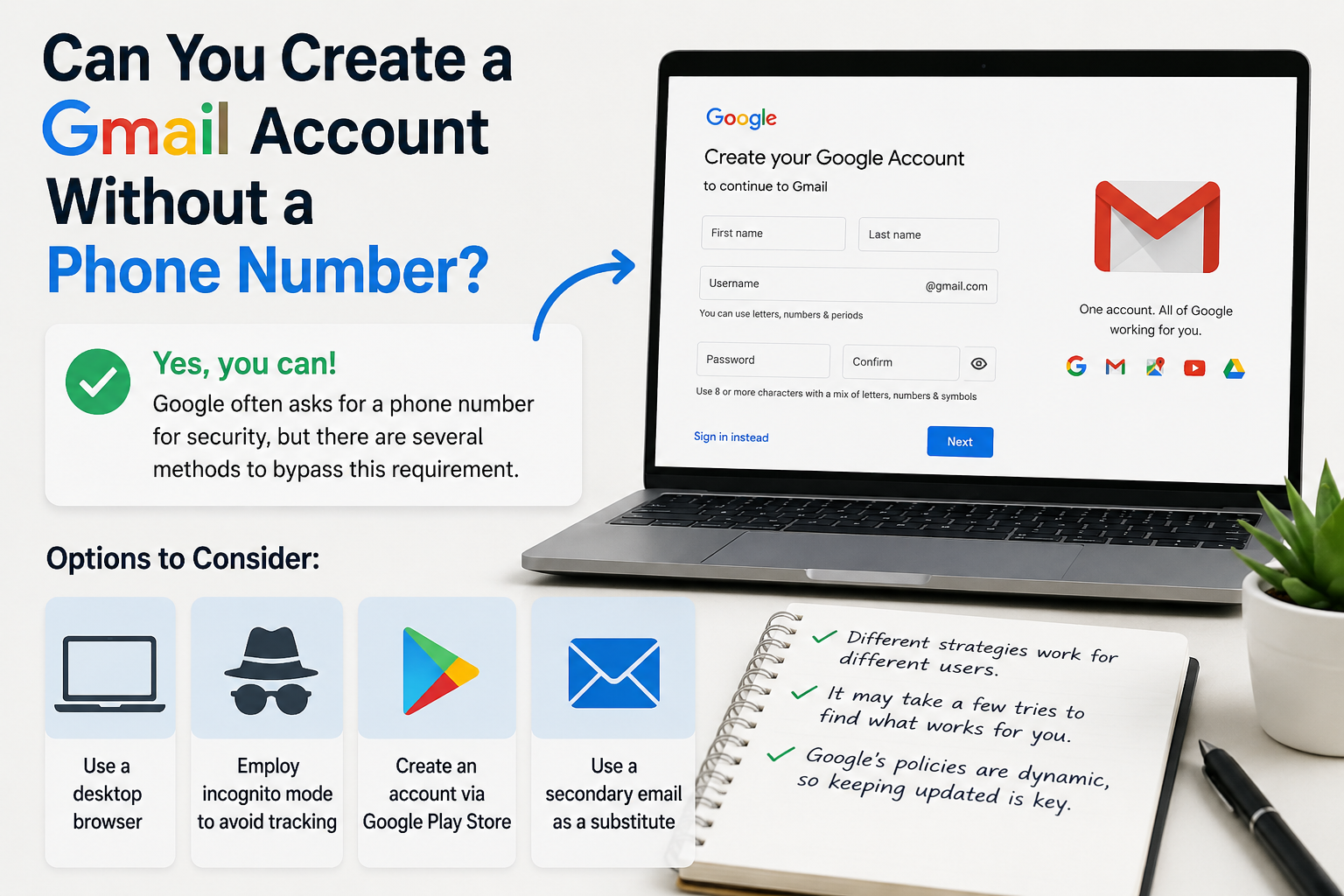
Create gmail with no phone numberCreating a Gmail account without a phone number is possible. Many users prefer this for privacy reasons.Google often requests a phone number for verification. However, there are ways to bypass this step.This guide will show you how to create a Gmail account without providing a phone number.We will explore different methods and tips to achieve this.Whether you're[…]

Do you want your social media content to make users stop, read, and react? If so, the right rephrasing can surely help you to achieve that. But the question is, what exactly do you need to do to paraphrase your posts so they become more engaging? Well, if you have no idea, this guide is a must-read for you. In this article, we’ll share some of the most effective tips to turn your boring and dull[…]
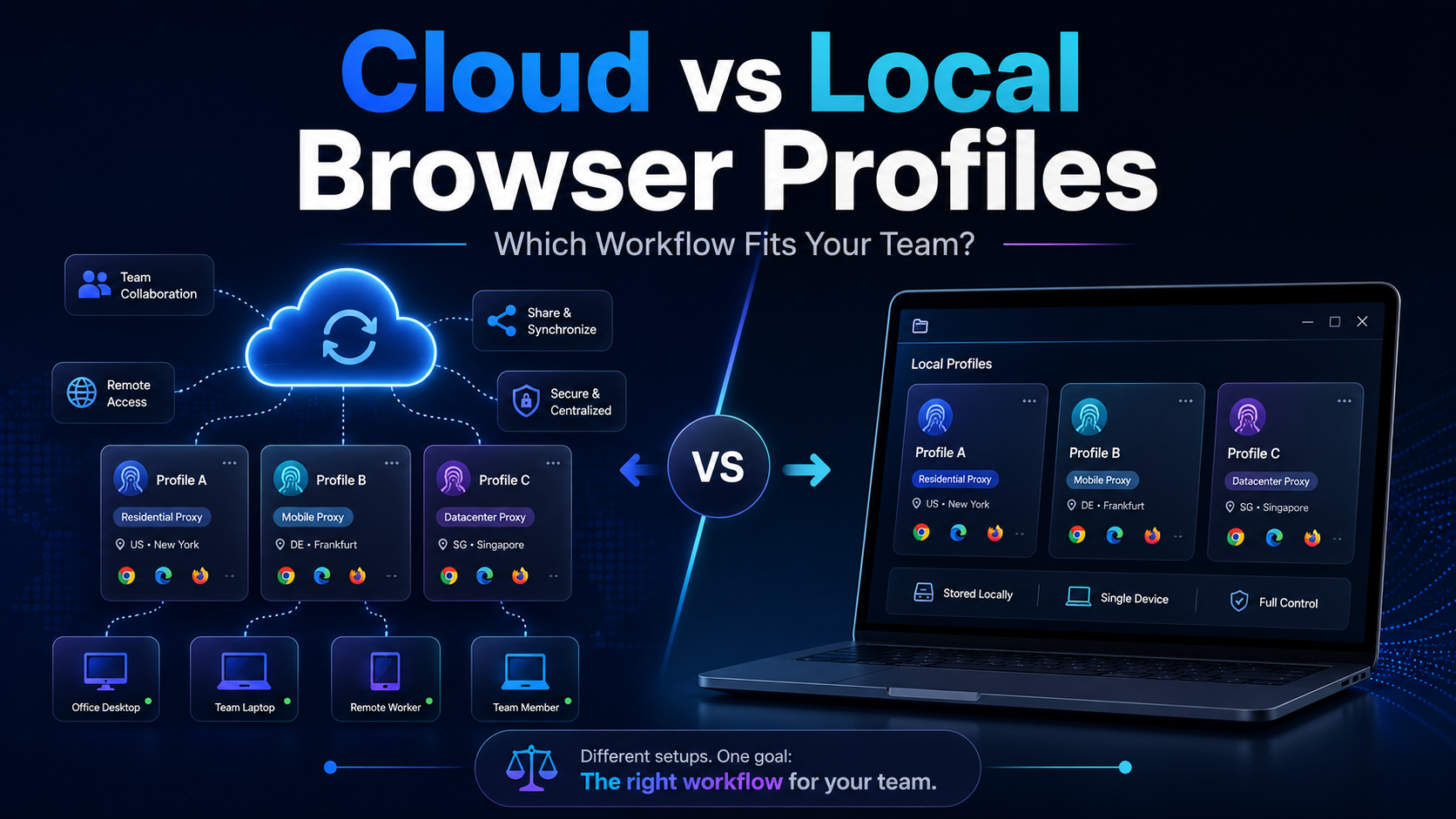
Cloud vs Local Browser Profiles: Which Workflow Fits Your Team?When a team starts managing multiple browser profiles, one of the most important decisions is whether to use cloud profiles or local profiles.Local profiles can be attractive because profile data is primarily stored and operated on the user's device, providing more direct control and reducing reliance on synchronization. Cloud[…]

Pixel Tracking is an effective data tracking solution that helps businesses understand user behavior and adjust their marketing strategies accordingly. By recording each action such as clicking, scrolling, or purchasing,Tracking Pixel Provides a comprehensive view of the customer journey. Let's Hidemium Explore in detail how this technology works and the benefits it brings.1. What is Tracking[…]

Cherry Proxy (formerly known as 360Proxy) still maintains its position as one of the services trusted civil proxy on the market. The name has changed, but the core quality has not. If you have used 360Proxy before, you will feel familiar; if not, now is the perfect time to explore it in more detail.In this article, Hidemium will be comprehensively evaluated 360Proxy/Cherry Proxy 2025: from[…]

The dark web is a fascinating realm. It's a part of the internet that's hidden from conventional search engines.To access it, you need a special tool. A dark web browser is your gateway to this hidden part of the internet.But not all dark web browsers are created equal. Some offer better security features, while others provide a more user-friendly interface.Choosing the right dark web browser is[…]
