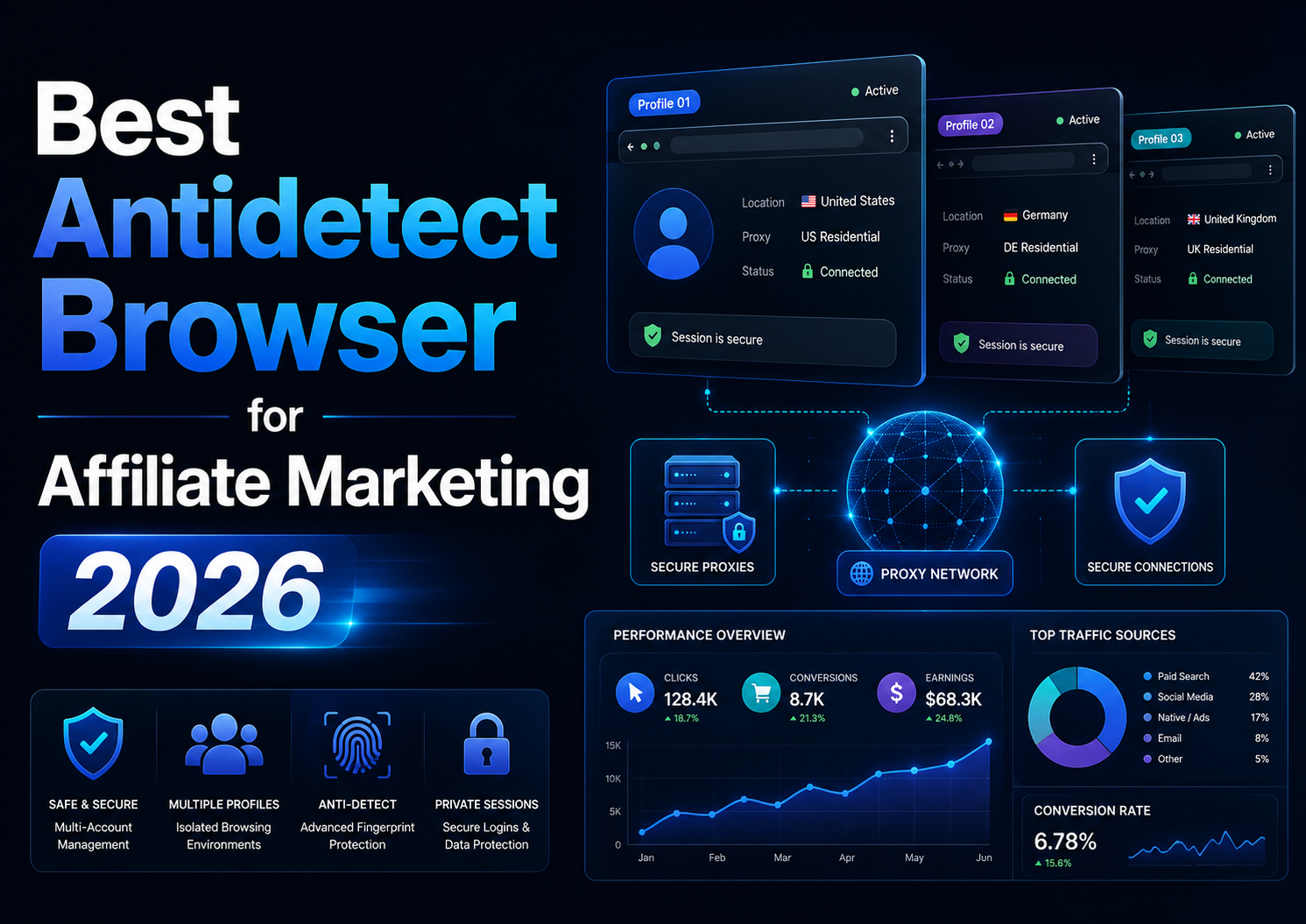

Best Antidetect Browser for Affiliate Marketing 2026
Affiliate marketing in 2026 is no longer limited to placing referral links on a website and tracking commissions. Agencies, media buyers, and performance marketing teams often work simultaneously across multiple advertising platforms, affiliate networks, client accounts, analytics tools, landing pages, and regional campaigns.
As the number of projects increases, using multiple ordinary browser tabs or windows can lead to account confusion, mixed cookies, access to the wrong dashboard, or credentials being saved in the wrong environment. This is why the search term antidetect browser for affiliate is becoming increasingly popular.
An antidetect browser creates separate browser profiles. Each profile can maintain independent cookies, local data, login sessions, proxy settings, and selected browser parameters. However, this type of software does not grant permission to create unlimited accounts, replace official access permissions, or guarantee that advertising accounts will never be restricted.
Quick Answer
A suitable antidetect browser for affiliate marketing should provide:
- Stable cookie and login-session isolation.
- Browser profiles that can be saved and reopened.
- Support for HTTP, HTTPS, and SOCKS5 proxies.
- Proxy connection testing tools.
- Folders, tags, and notes for profile organization.
- Individual permissions for team members.
- Data synchronization and backup.
- Suitable API or automation capabilities.
- Compatibility with the team’s operating systems.
- Reasonable pricing as profile volume increases.
There is no single best choice for every affiliate marketer. An independent content publisher managing one account may only need a standard browser, password manager, and two-factor authentication. Agencies managing multiple clients usually require more advanced organization and permission controls.
What Is an Antidetect Browser for Affiliate Marketing?
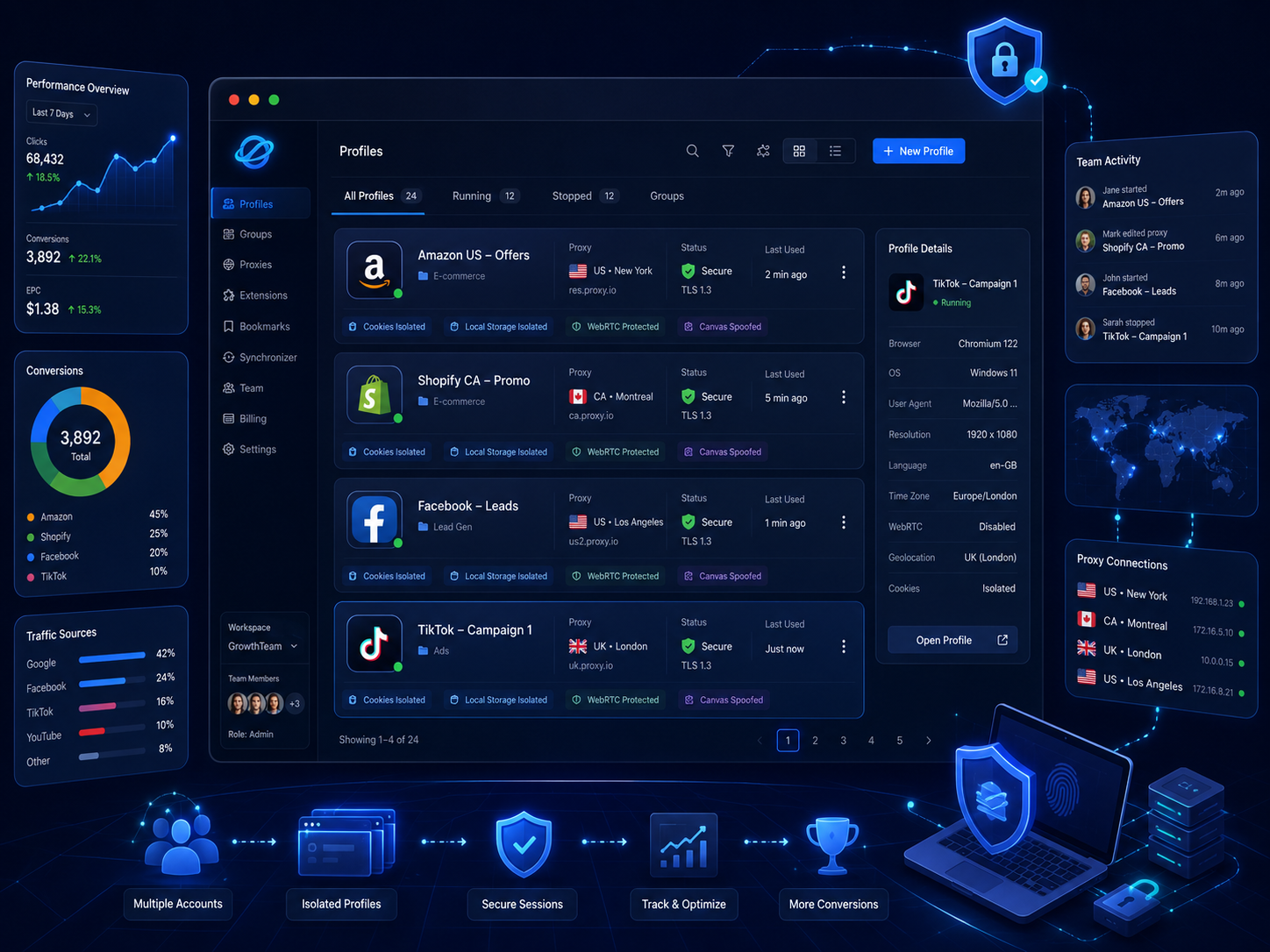
An antidetect browser is software that allows users to create multiple independent browser environments on one device.
Each profile can store its own:
- Cookies.
- Login sessions.
- Cache.
- Local storage.
- Bookmarks.
- Browser extensions.
- Proxy settings.
- Language.
- Time zone.
- User agent.
- Canvas and WebGL parameters.
The most important benefit is not “complete anonymity,” but the ability to separate work environments.
For example, an agency managing three clients could create three dedicated profiles:
- Client A – Google Ads – US.
- Client B – TikTok Ads – UK.
- Client C – Affiliate Network – Germany.
Each profile maintains its own login session and local data, helping employees reduce the risk of performing actions inside the wrong account.
How Is It Different From Incognito Mode?
Incognito mode generally does not retain browsing history, cookies, and form data after the window is closed. However, it is not designed to function as a permanent workspace.
An antidetect browser profile can:
- Preserve login sessions.
- Be reopened the following day.
- Use an assigned proxy.
- Be shared with authorized team members.
- Retain bookmarks and extensions.
- Be organized by folder or project.
Antidetect browsers are therefore more suitable for workflows involving multiple accounts or clients, while incognito mode is better suited to temporary browsing sessions.
Do Affiliate Marketers Really Need an Antidetect Browser?
Not everyone needs one.
You may need one when you:
- Manage multiple authorized advertising accounts.
- Run campaigns for several clients.
- Work with different affiliate networks.
- Manage brands across multiple regions.
- Have a remote media-buying team.
- Need to assign profiles to individual employees.
- Want to separate data for each project.
- Run repetitive reporting or testing workflows.
You may not need one when you:
- Have only one affiliate account.
- Do not manage client accounts.
- Work alone on one device.
- Can use official agency or partner permissions.
- Have not identified a specific problem that needs to be solved.
When the real issue involves weak passwords, unclear access rights, or employees who have not been authorized by clients, an antidetect browser will not address the underlying problem.
Eight Criteria for Choosing an Antidetect Browser for Affiliates
1. Profile Isolation
This is the most important criterion.
Each profile should maintain separate cookies, local data, cache, and login sessions. When a profile is closed and reopened, its data should not mix with unrelated projects.
Reliable isolation helps reduce mistakes such as:
- Opening the wrong advertising account.
- Signing in to the wrong affiliate account.
- Saving a client’s password in the wrong profile.
- Editing another project’s campaign.
- Using the wrong payment account.
Profile isolation should support organization and security. It should not be used to conceal account ownership or bypass platform restrictions.
2. Stable Browser Fingerprints
A browser fingerprint may include:
- Operating system.
- Browser version.
- Screen resolution.
- Language.
- Time zone.
- Fonts.
- Canvas.
- WebGL.
- Media-device information.
A good configuration should be coherent. Randomly changing every parameter does not automatically provide stronger security.
For example, a profile that reports macOS while using inconsistent hardware parameters may create an unstable or implausible environment. In authorized operations, a stable configuration is generally more useful than continuously changing fingerprints.
3. Proxy Integration
A proxy and an antidetect browser perform different functions.
- The browser manages profile data and browser fingerprints.
- The proxy changes the network route used to access the internet.
A suitable platform should support:
- HTTP.
- HTTPS.
- SOCKS5.
- Manual proxy input.
- Proxy testing.
- Profile-level proxy assignment.
- Saved proxy configurations.
- Proxy grouping.
- Connection location and status information.
A proxy should only be used when there is a legitimate operational reason, such as an employee working from a particular region, a managed business network, or authorized geographic testing.
4. Organization With Folders and Tags
As the number of profiles increases, profile naming becomes increasingly important.
A consistent naming structure is recommended:
Client – Platform – Region – Purpose
Examples:
- Brand A – Facebook Ads – US – Retargeting.
- Client B – Google Ads – UK – Search.
- Project C – Affiliate Network – EU – Reporting.
In addition to profile names, the platform should support:
- Folders.
- Tags.
- Notes.
- Filters.
- Status labels.
- Assigned operators.
This structure helps new team members quickly understand which profiles belong to particular clients and tasks.
5. Team Permissions
Agencies should not send passwords or cookies to employees through messaging applications.
A suitable platform should allow administrators to:
- Invite members.
- Assign profiles to specific users.
- Grant view or edit permissions.
- Transfer profiles.
- Revoke access immediately.
- Restrict administrative privileges.
- Track the person responsible for each profile.
However, browser-profile access does not replace official advertising-platform permissions.
For example, an employee who can open a Facebook Ads browser profile must still be authorized by the client or receive the appropriate access through Business Manager.
6. Synchronization, Backup, and Recovery
Affiliate profiles may contain:
- Advertising sessions.
- Login cookies.
- Extensions.
- Bookmarks.
- Proxy configurations.
- Project data.
Before selecting a tool, determine:
- Whether profiles are stored locally or in the cloud.
- Whether data can be imported and exported.
- Whether profiles can be transferred to another device.
- Whether deleted profiles can be recovered.
- What happens when a subscription expires.
- Whether administrators can revoke devices.
- Whether profile history or backups are available.
These functions should be tested with non-critical profiles before client accounts are added to the system.
7. API and Automation
An API can reduce repetitive work.
Reasonable applications include:
- Creating profiles from templates.
- Opening and closing profiles.
- Assigning profiles to folders.
- Updating notes.
- Collecting reports.
- Running QA checklists.
- Synchronizing data with internal systems.
Higher-risk applications include:
- Creating accounts in bulk.
- Automatically clicking advertisements.
- Generating fake conversions.
- Sending comments or messages in bulk.
- Continuing activity after an account suspension.
Automation should reduce manual work. It should not be used to simulate fake engagement or bypass platform policies.
8. Total Cost
Do not compare platforms only by their lowest advertised price.
Consider:
- Number of profiles.
- Number of team members.
- Device limits.
- Local and cloud profiles.
- API access.
- Automation tools.
- Proxy expenses.
- Training costs.
- Data migration costs.
- Renewal pricing.
- Support quality.
A low-cost platform without permission management or recovery features may create higher operating costs as the team grows.
When Might Hidemium Be Suitable?
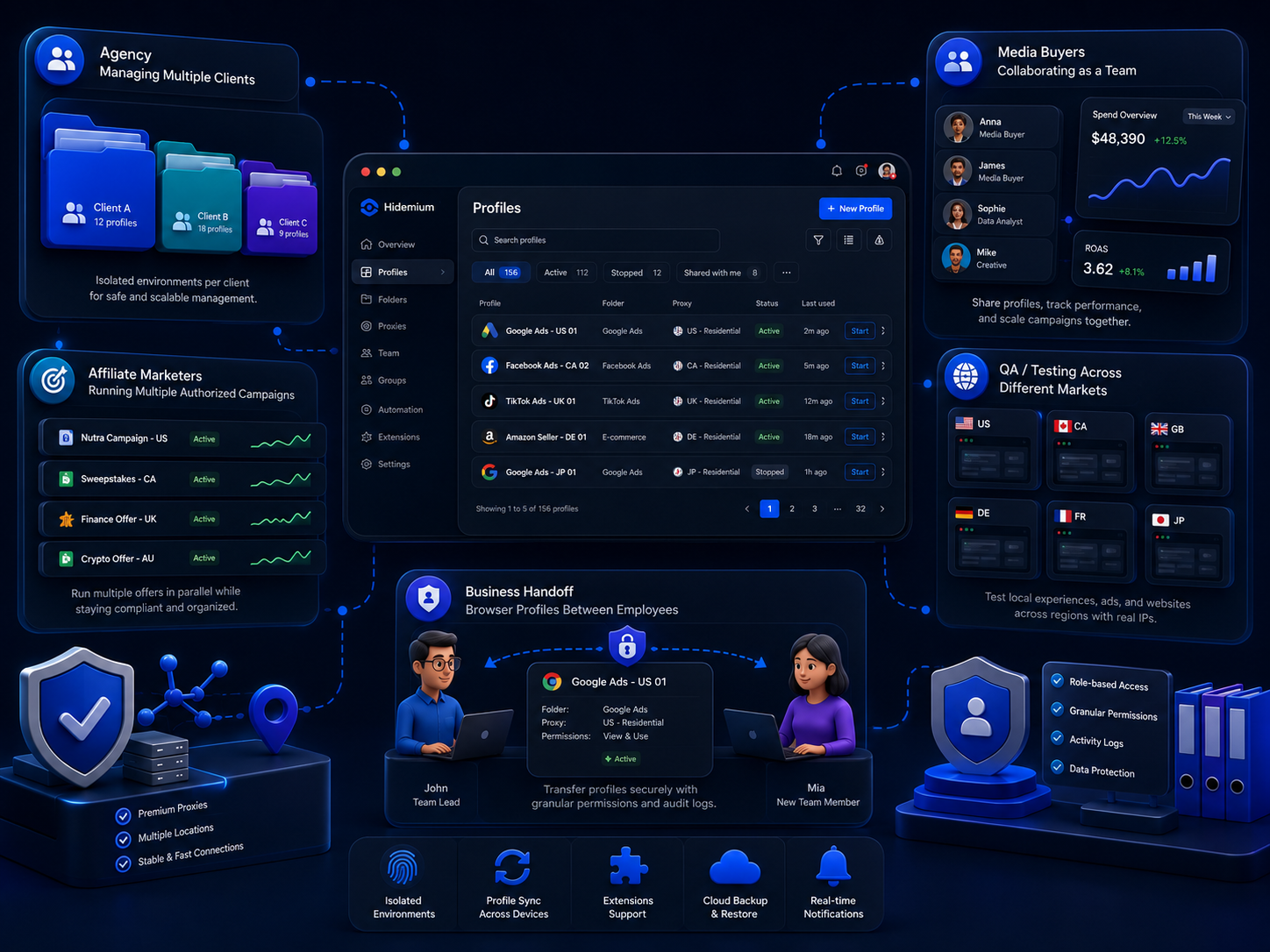
Hidemium is one of the products that can be included in a comparison when a team needs isolated profiles, proxy management, folders, team permissions, and automation in one platform.
According to its product information, Hidemium provides browser-profile creation, project organization, proxy assignment, and team-access management.
These features may be suitable for:
- Agencies managing multiple clients.
- Media buyers working in teams.
- Affiliates running multiple authorized campaigns.
- Regional QA teams.
- Businesses transferring profiles between employees.
However, Hidemium is not the only available option and may not be necessary for every user. Businesses should compare stability, pricing, customer support, API capabilities, and recovery options with competing products before making a decision.
What an Antidetect Browser Cannot Do
Regardless of which product is used, an antidetect browser cannot:
- Guarantee that accounts will never be restricted.
- Provide ownership of client accounts.
- Replace Business Manager or official agency permissions.
- Make a non-compliant landing page acceptable.
- Automatically bypass identity verification.
- Recover every suspended account.
- Legitimize artificial engagement.
- Change the rules of an affiliate network.
- Make prohibited traffic sources acceptable.
- Turn enforcement circumvention into compliant activity.
The browser should be treated as a tool for organizing work environments, not as a service that guarantees account survival.
Compliance Matters More Than Technology
A strong technical setup cannot compensate for a campaign that violates platform rules.
Affiliate marketers should review:
- Advertising-platform policies.
- Affiliate-network terms.
- Landing-page policies.
- Restricted-product rules.
- Commission-disclosure requirements.
- Trademark and brand usage rights.
- User-data regulations.
- Permitted traffic sources.
- Account-verification procedures.
A new account should not be created simply to replace a suspended account. The appropriate approach is to identify the cause, correct the workflow, and use the platform’s official appeal process.
A Safer Antidetect Browser Workflow
Step 1: Inventory Your Accounts
Record:
- Platform.
- Owner.
- Client.
- Authorized users.
- Recovery email.
- Two-factor authentication method.
- Assigned profile.
- Account status.
Step 2: Obtain Official Access
Prioritize official access methods such as:
- Agency permissions.
- Partner permissions.
- Employee access.
- User permissions.
- Business Manager.
Do not request the primary password when the platform allows a client to invite team members directly.
Step 3: Assign One Profile to Each Project
Do not use the same profile for multiple unrelated clients.
Each profile should have:
- A clear name.
- A folder.
- Tags.
- An assigned operator.
- An approved proxy.
- Notes explaining its purpose.
Step 4: Apply the Principle of Least Privilege
Not every team member needs administrative access.
For example:
| Role | Appropriate access |
|---|---|
| Media buyer | Assigned profile and advertising account |
| Analyst | Reports and performance data |
| Content creator | Creative assets and content tools |
| Finance | Payments and invoices |
| Freelancer | Specific profile without administrative access |
| Owner | Ownership and recovery control |
Step 5: Maintain a Stable Environment
Do not repeatedly change proxies, operating systems, time zones, or fingerprints without a genuine operational need.
Stability makes it easier to:
- Troubleshoot issues.
- Reduce confusion.
- Manage devices.
- Limit unnecessary security alerts.
Step 6: Conduct Regular Reviews
Every month, review:
- Active team members.
- Former employees.
- Unused profiles.
- Proxy status.
- Installed extensions.
- Active automation.
- Recovery information.
- Platform warnings.
Who Should Use an Antidetect Browser?
| User type | Suitability |
|---|---|
| Agency managing multiple clients | High |
| Media-buying team | High |
| Affiliate with multiple authorized campaigns | High |
| Regional QA team | Moderately high |
| Beginner with one account | May not need one yet |
| User who only needs to change IP addresses | A simpler tool may be more appropriate |
| User trying to bypass a suspension | Not suitable |
| User without the account owner’s permission | Should not use one |
Conclusion
There is no single antidetect browser for affiliate that is best for everyone.
The right choice depends on:
- Number of profiles.
- Team size.
- Proxy requirements.
- Permission-management needs.
- API and automation.
- Operating-system compatibility.
- Recovery capabilities.
- Budget.
For agencies and larger affiliate teams, a platform that supports profile isolation, folders, permissions, and synchronization can help reduce operational mistakes. Individual users managing a small number of accounts may not need such a complex system.
The best tool is not the one that helps conceal activity. It is the one that makes an authorized workflow clearer, safer, and easier to control.
Before deploying a platform across the entire team, test several non-critical profiles and review session isolation, synchronization, permissions, and proxy management.
You can also consult the Hidemium documentation as one reference for comparing features, then evaluate the platform against your company’s actual workflow and budget.
Frequently Asked Questions
What is the best antidetect browser for affiliate marketing?
There is no universal best option. Products should be compared based on profile volume, team size, proxy support, API access, operating systems, security, and budget.
Does a solo affiliate need an antidetect browser?
Not always. Someone managing one authorized account may only need a standard browser, password manager, and two-factor authentication.
Can an antidetect browser prevent advertising accounts from being restricted?
No. Account status also depends on content, policies, payments, verification, and user activity.
Does every profile need a proxy?
Not necessarily. A proxy should only be used when there is a legitimate network or regional requirement.
Can an antidetect browser replace Business Manager?
No. The tool only manages the browser environment. Account and asset permissions remain controlled by the advertising platform.
Can agencies share profiles with employees?
Yes, provided the employees are authorized and the software supports permission controls. Each person should only receive the profiles required for their role.
Can an antidetect browser be used after an account is suspended?
The underlying issue should be addressed through the platform’s official appeal process. Creating another account to bypass a suspension may violate platform policies.
Is using an antidetect browser legal?
The software may be used legally for privacy, testing, and authorized account management. Legality depends on how it is used, applicable local laws, and the terms of each platform.
Related Blogs

Creating a short AI-generated video can look simple from the outside, but producing a reliable shot often involves several decisions. The team may need to consider prompt accuracy, motion quality, subject consistency, creative control, generation time, and the number of revisions required before a final version is ready.That is why choosing an AI Video Generator should not be based only on which[…]

The being shadowban on TikTok on personal accounts is annoying enough, but if this situation happens to business account or more seriously customer account, the impact will be huge.Since May 2025, TikTok's algorithm has been upgraded, enhancing its ability to detect not only infringing content but also subtle signs of violation like bot-like automated behavior, misuse of hashtags, or posting[…]

In blogging, if something is ranking well, then it doesn’t mean that copying it can make you rank as well. Remember, both the readers and search engines seek originality. So, your unique thoughts, presentation, clarity, and style are the only factors that can help you earn visibility.However, ignoring this, some bloggers just mimic the high-ranking content and hit “publish,” thinking they’ve[…]

Opening a store on Etsy is an excellent opportunity to start a business. However, to attract customers and increase traffic to your store, you need a clear strategic plan and effective execution.This article by Hidemium will guide you step-by-step on setting up an Etsy store and share effective strategies to help you drive traffic and boost sales growth. 1. What is Etsy?Etsy is a popular[…]
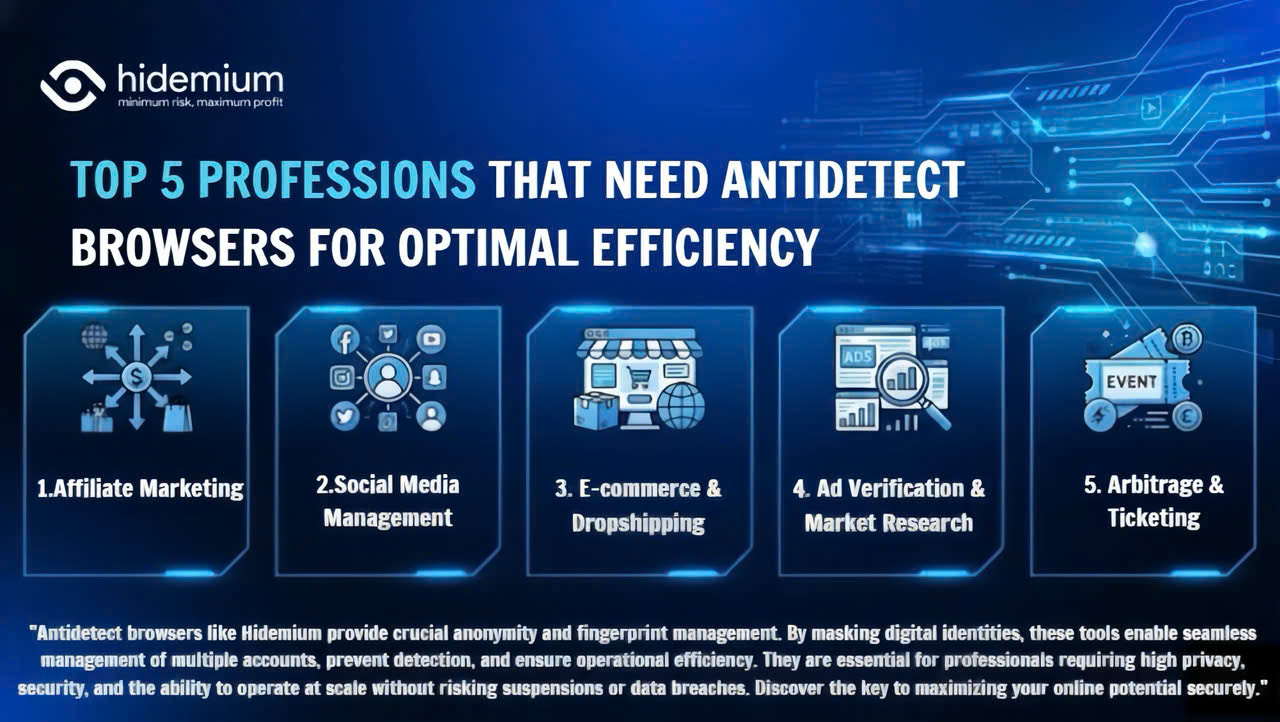
Major platforms such as Facebook, Google, Amazon, and eBay are increasingly tightening their policies, making multi-account management highly risky. Simply logging into multiple accounts on the same device can get you flagged for linkage and lead to mass account suspensions within minutes. So who truly needs this tool? Let’s join Hidemium in exploring the Top 5 industries that need an Antidetect[…]

The Catalyst: Why We Need a Sonic RevolutionThe digital content landscape is expanding at a breakneck pace. Every day, millions of videos, podcasts, and digital ads are pushed online. Sound is half of this digital experience.However, the demand for high-quality audio has outpaced human output. Creators are constantly hungry for fresh, engaging beats. They need music that fits their specific mood[…]
